
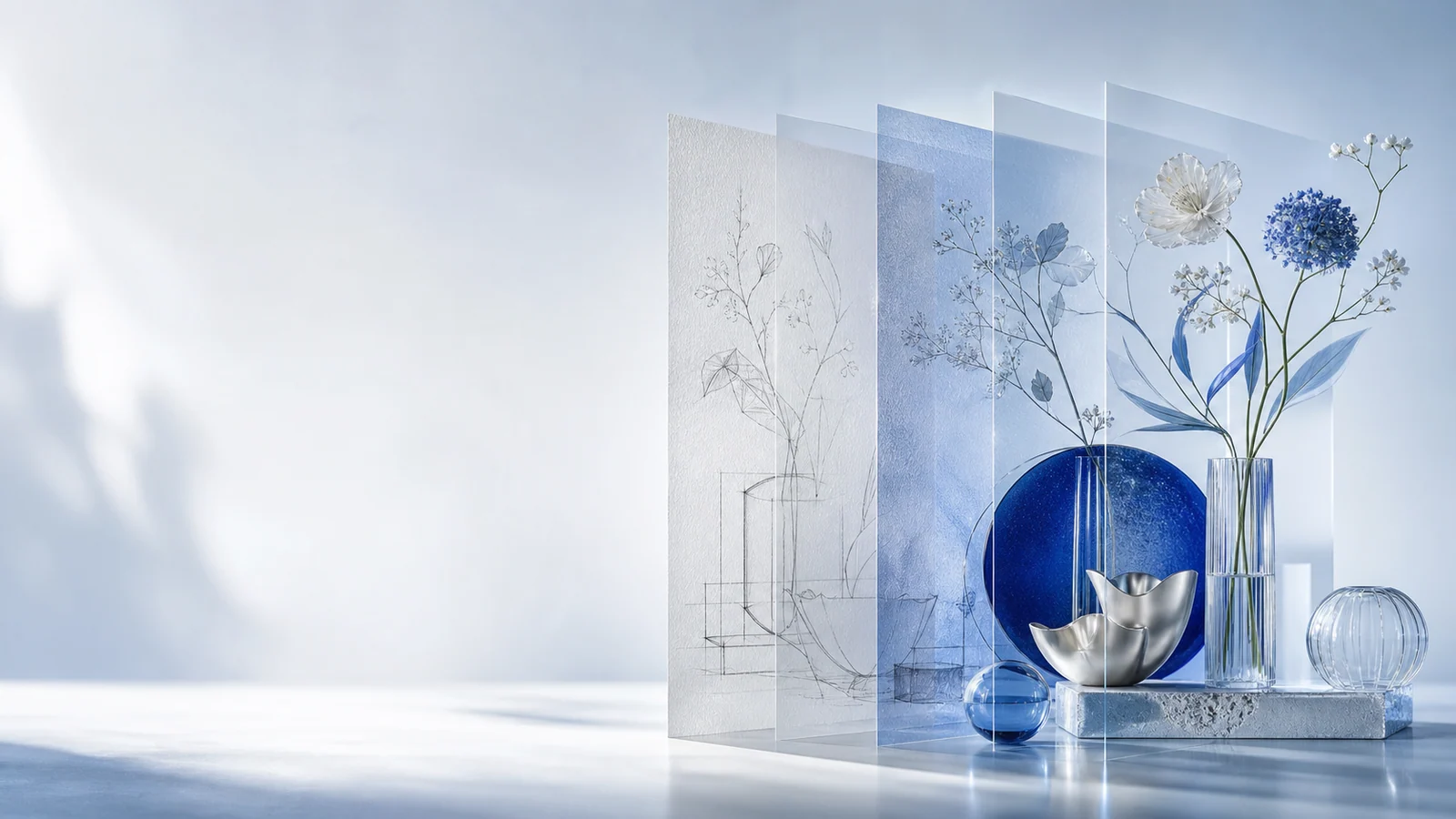
DPXX Image
Turn every idea into a deliverable commercial visual
Starting from a requirement or a reference image, image generation, continuous adjustment, poster and long-form graphic design are completed on the same workspace.
Not only generate a picture, but complete a visual task
DPXX Image connects creative description, reference materials, image generation, continuous adjustment and design extension in the same workflow, helping teams to quickly form visual results that can be used for product display, brand communication and content operations.
- 01
Determine visual direction faster
Organize fuzzy requirements into executable prompts, reference conditions and screen specifications.
- 02
Get closer to the target screen more stably
Keep tweaking around subject, composition, style, texture, and color without having to start from scratch every time.
- 03
Let the generated results continue into the design
Expand images into posters, long-form images, and visual content that can be edited further.
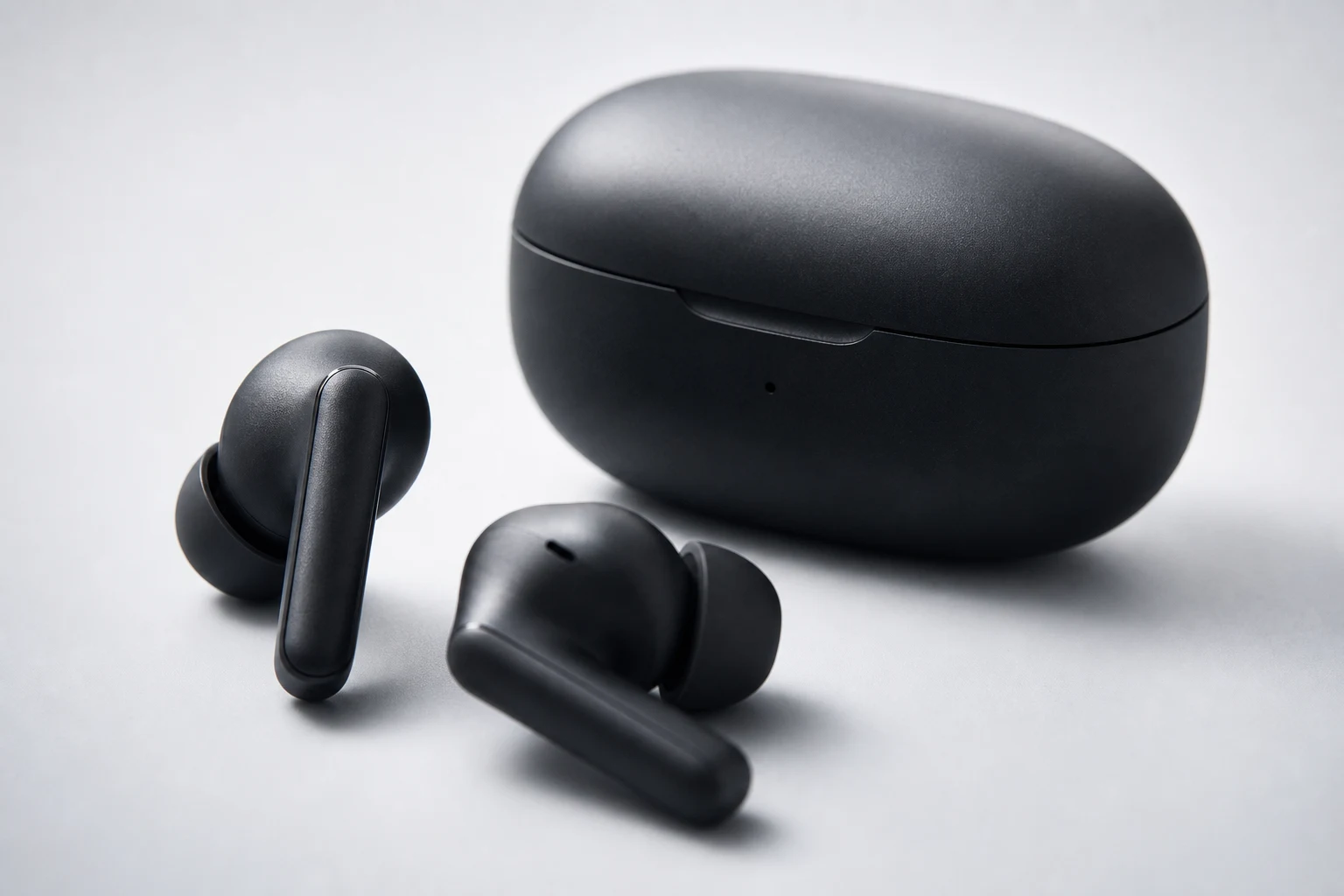
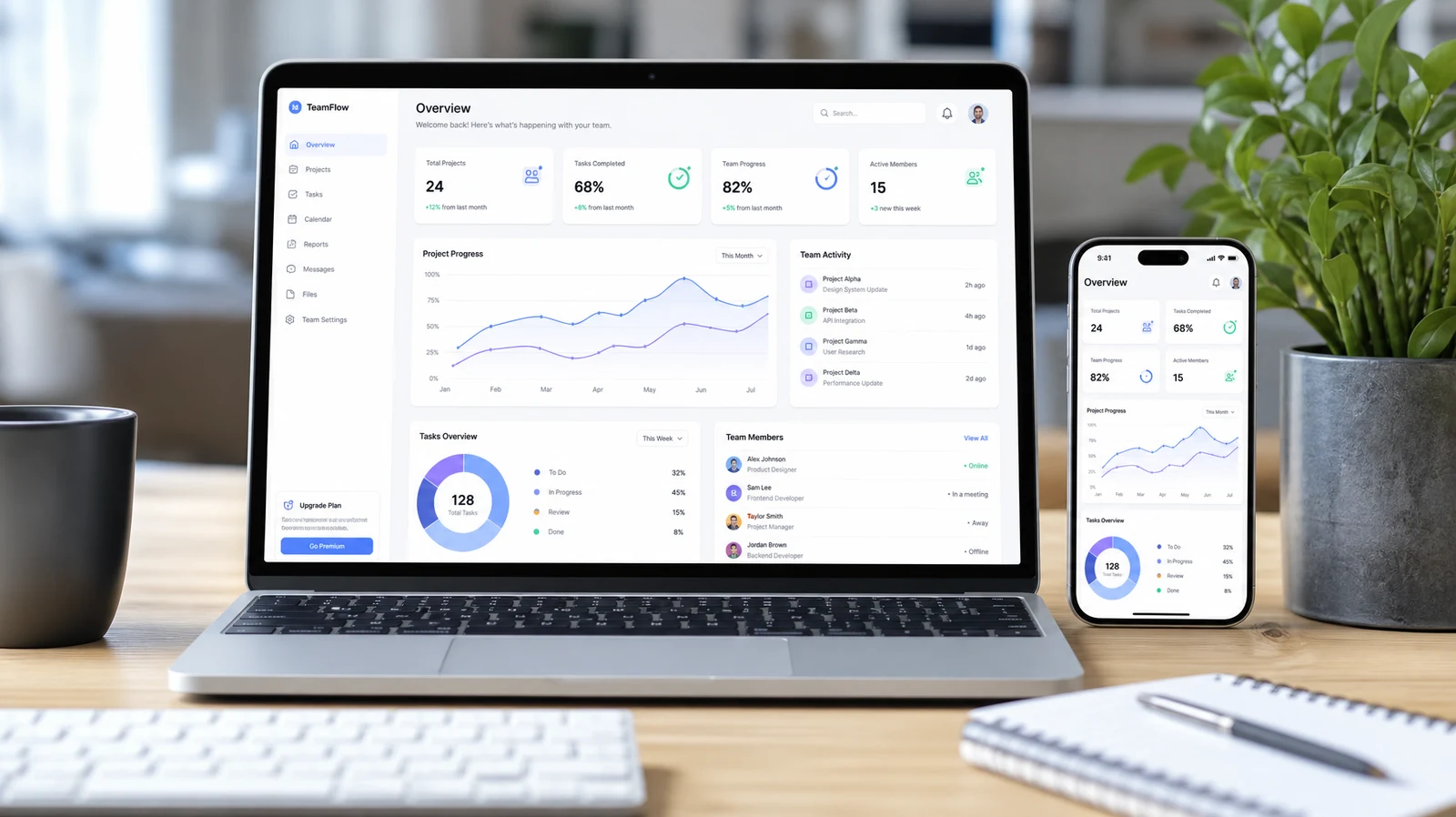
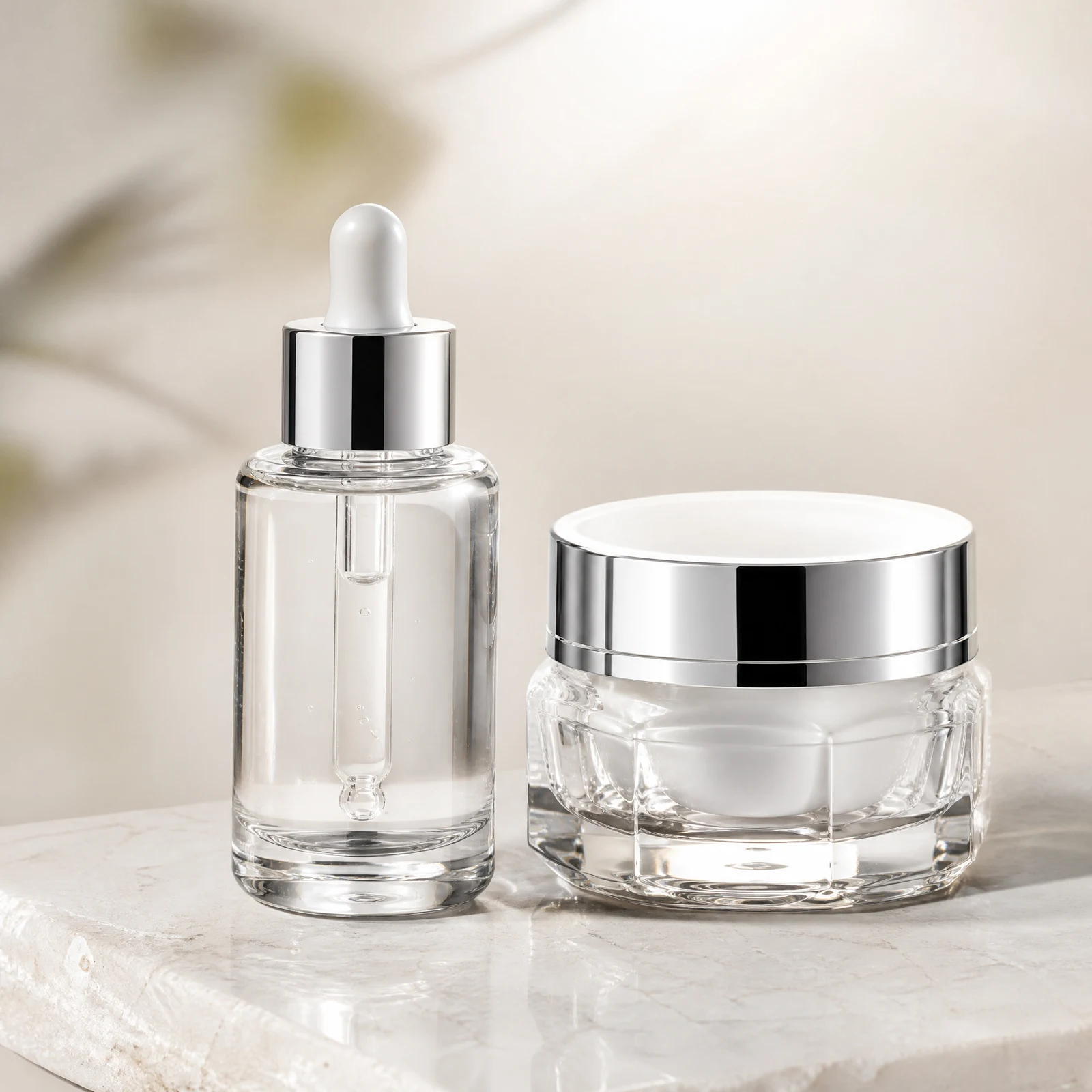
Three creative paths, covering from inspiration to design
Depending on the stage of the task, you can choose to start with text, start with reference images, or continue to adjust and design from existing results.
turn ideas into images
Enter your subject, scene, composition, lighting and style requirements, choose your model, scale and clarity, and generate your first visual directions.
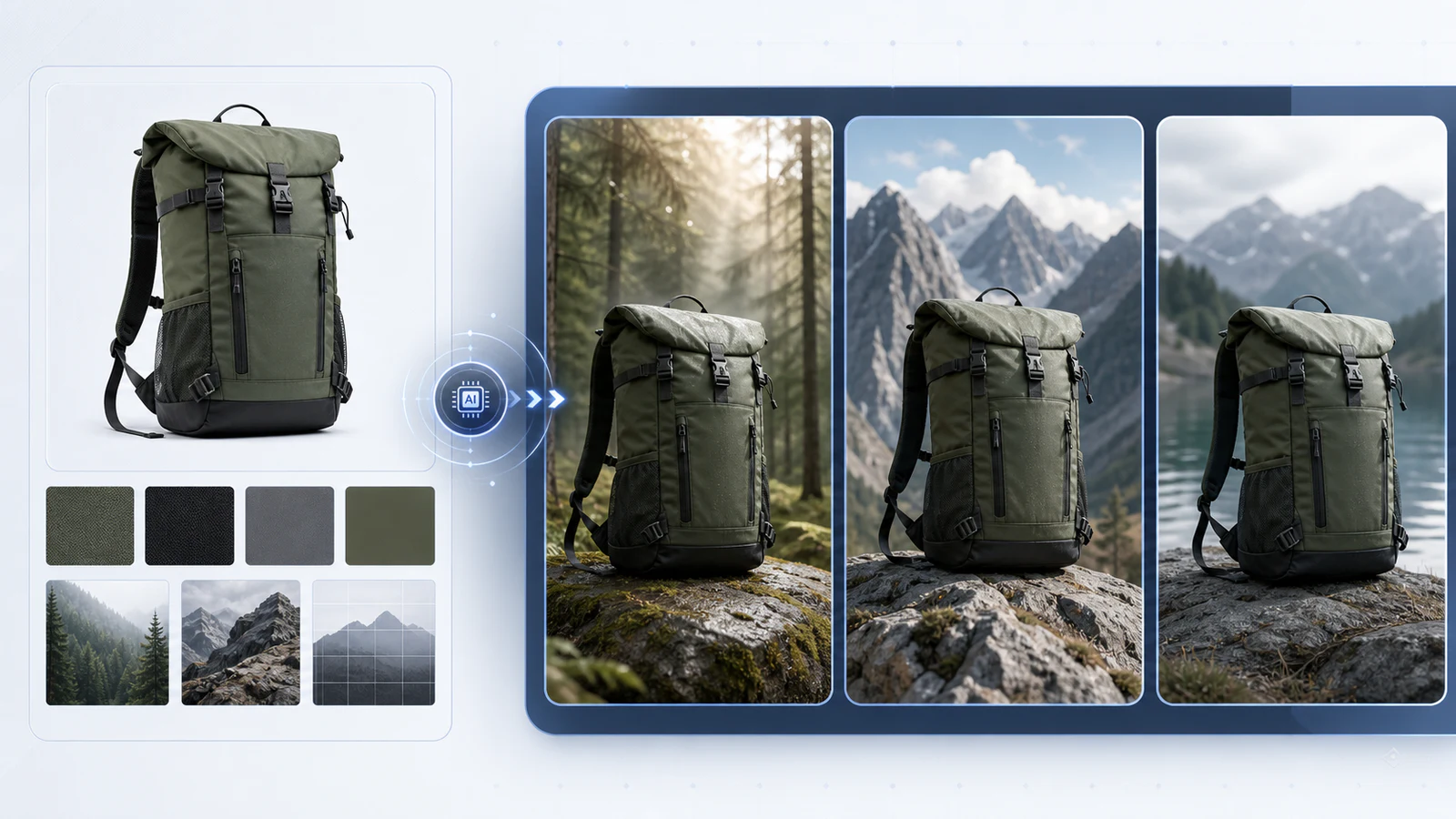
Make creative direction more controllable
Upload reference images of products, characters, composition or style to clarify the main subject and visual features that need to be retained.
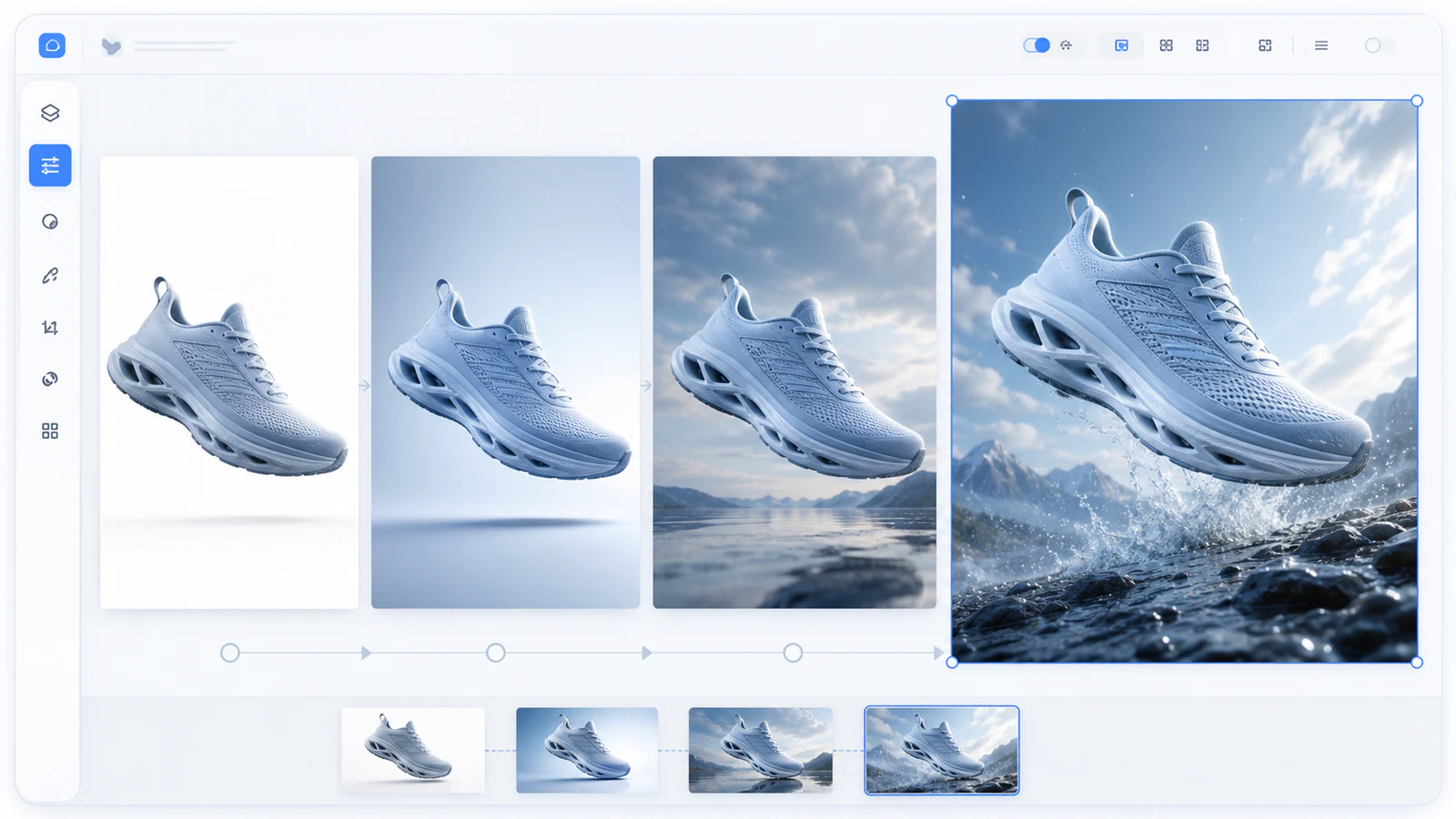
Adjust, extend and design
Select existing results as the starting point, continue to modify through natural language, and then enter the design space to complete the layout extension.
From a request to a downloadable result, keep your creation continuous
Creative input, prompt word improvement, model and specification selection, result review and subsequent adjustments revolve around the same task, reducing cross-tool switching and loss of creative information.
- 01Make a request or upload a reference imageClarify the subject, purpose, reference conditions and screen constraints→
- 02Generate and refine promptsComplete composition, light, material, color and style→
- 03Choose model, scale and qualityMatch release channels, clarity and delivery specifications→
- 04Review results and continuously adjustGradually modify and converge the direction around the selected version→
- 05Download the results or enter the design spaceSubmit the original image, or continue to complete the poster and long image layout→
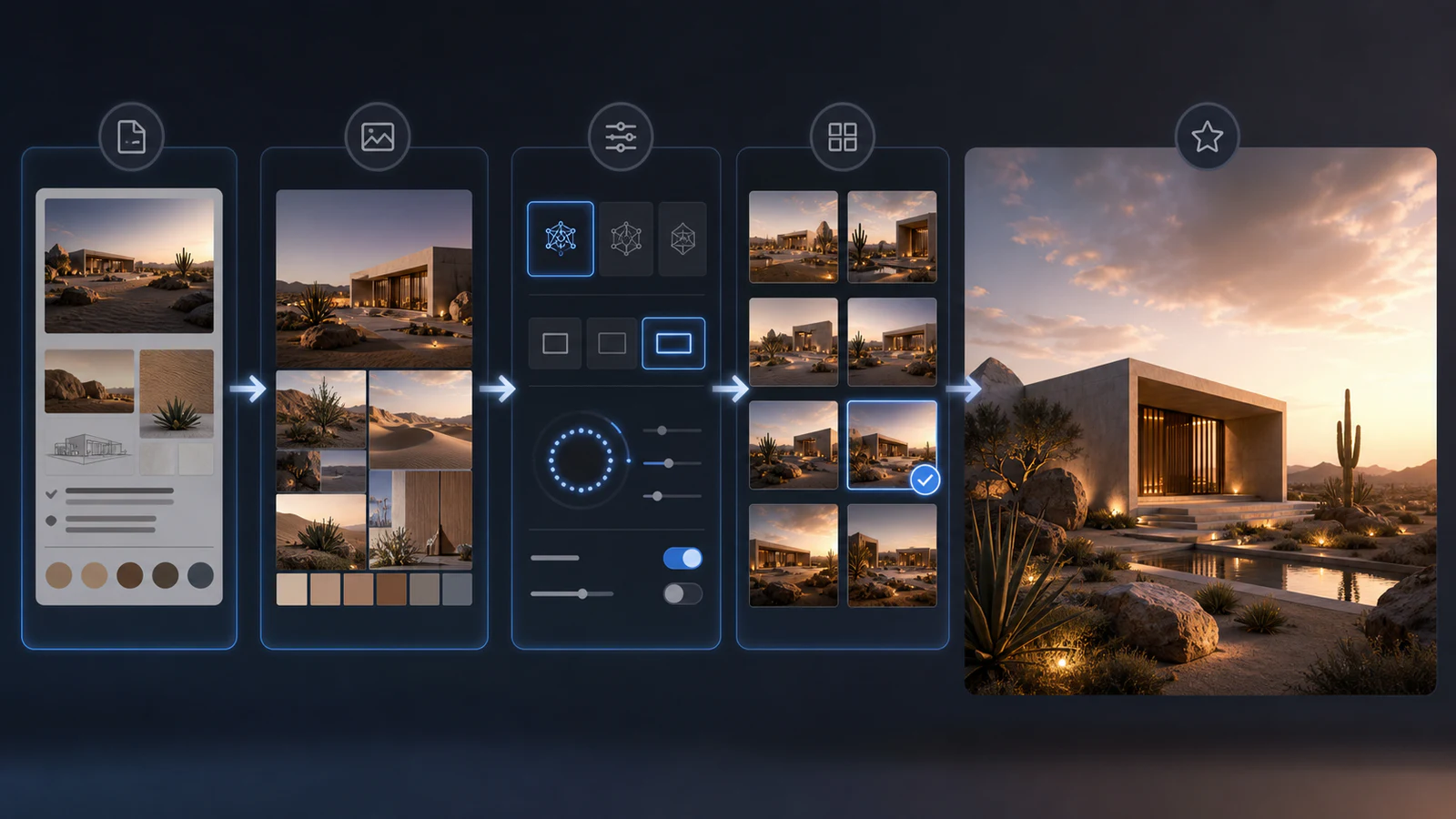
Facing the continued growth of commercial visual needs
From product launch to brand communication, we continuously generate, adjust and deliver visual materials around real content tasks.
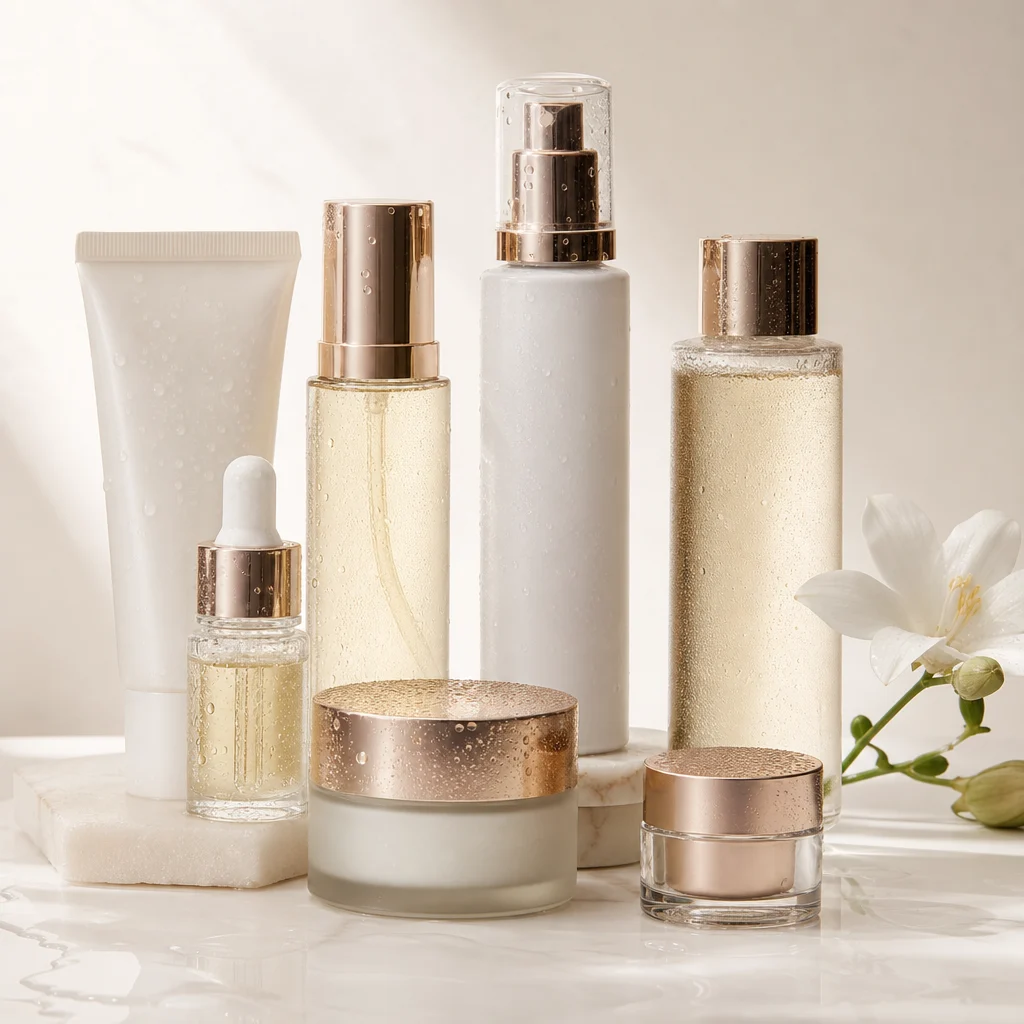
E-commerce product vision
Product main image, scene image, detailed selling point image and daily new materials.
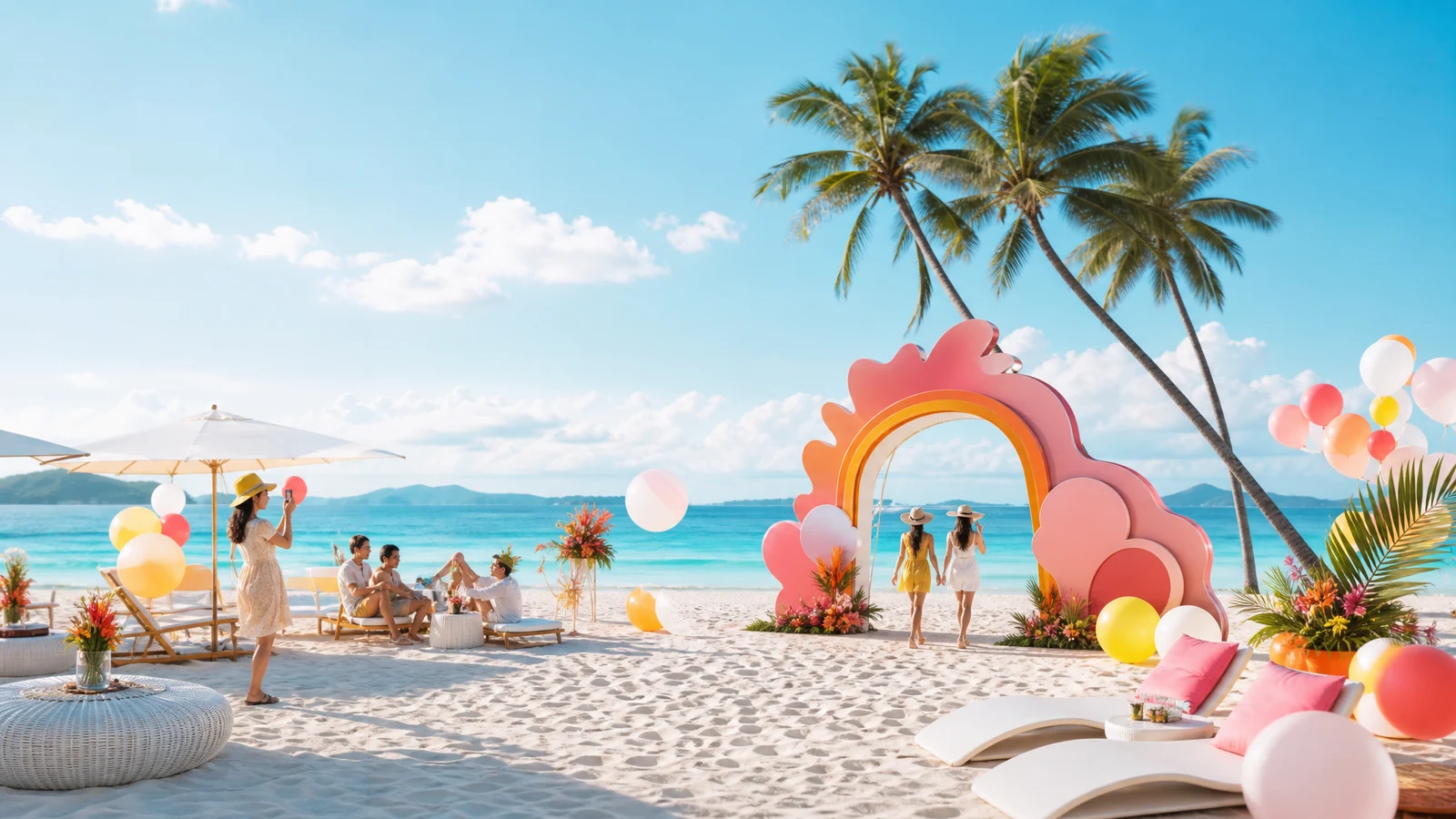
Branding and Marketing Communications
New product launches, holiday events, brand posters and theme visuals.
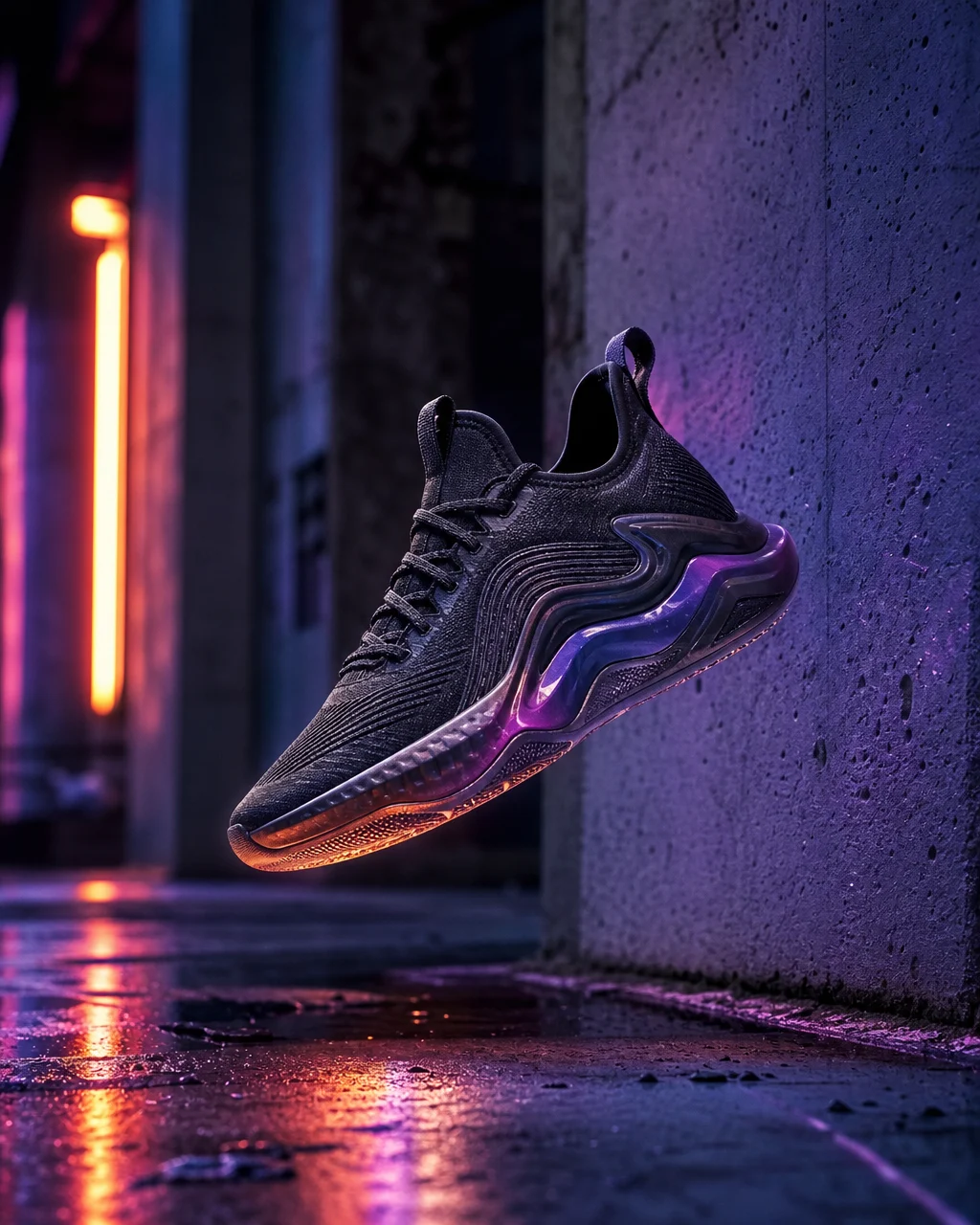
social media content
Content cover, column images, horizontal and vertical event materials and serialized visuals.
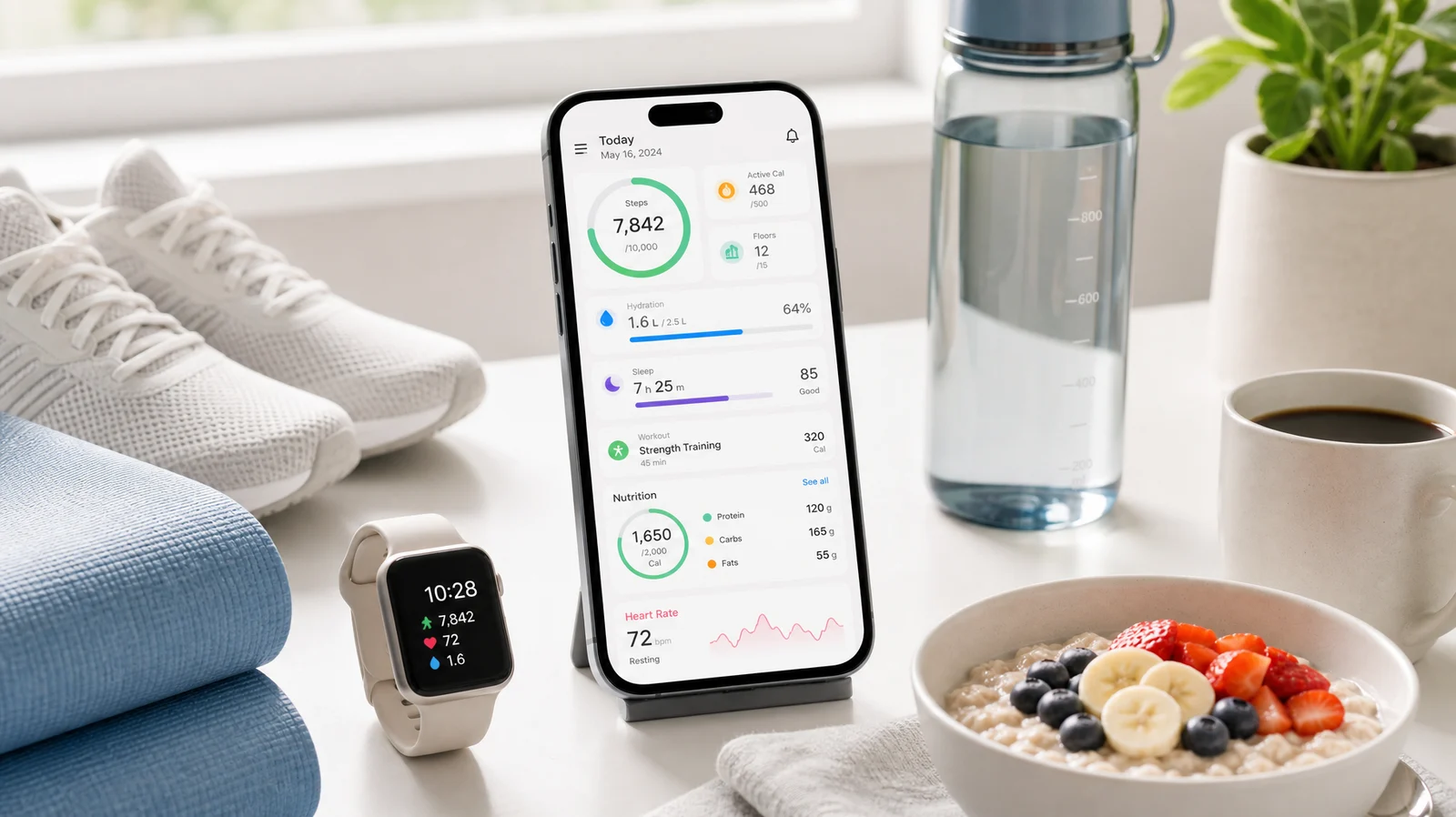
Design plan and long drawing
Posters, infographics, creative proposals and structured visual content.
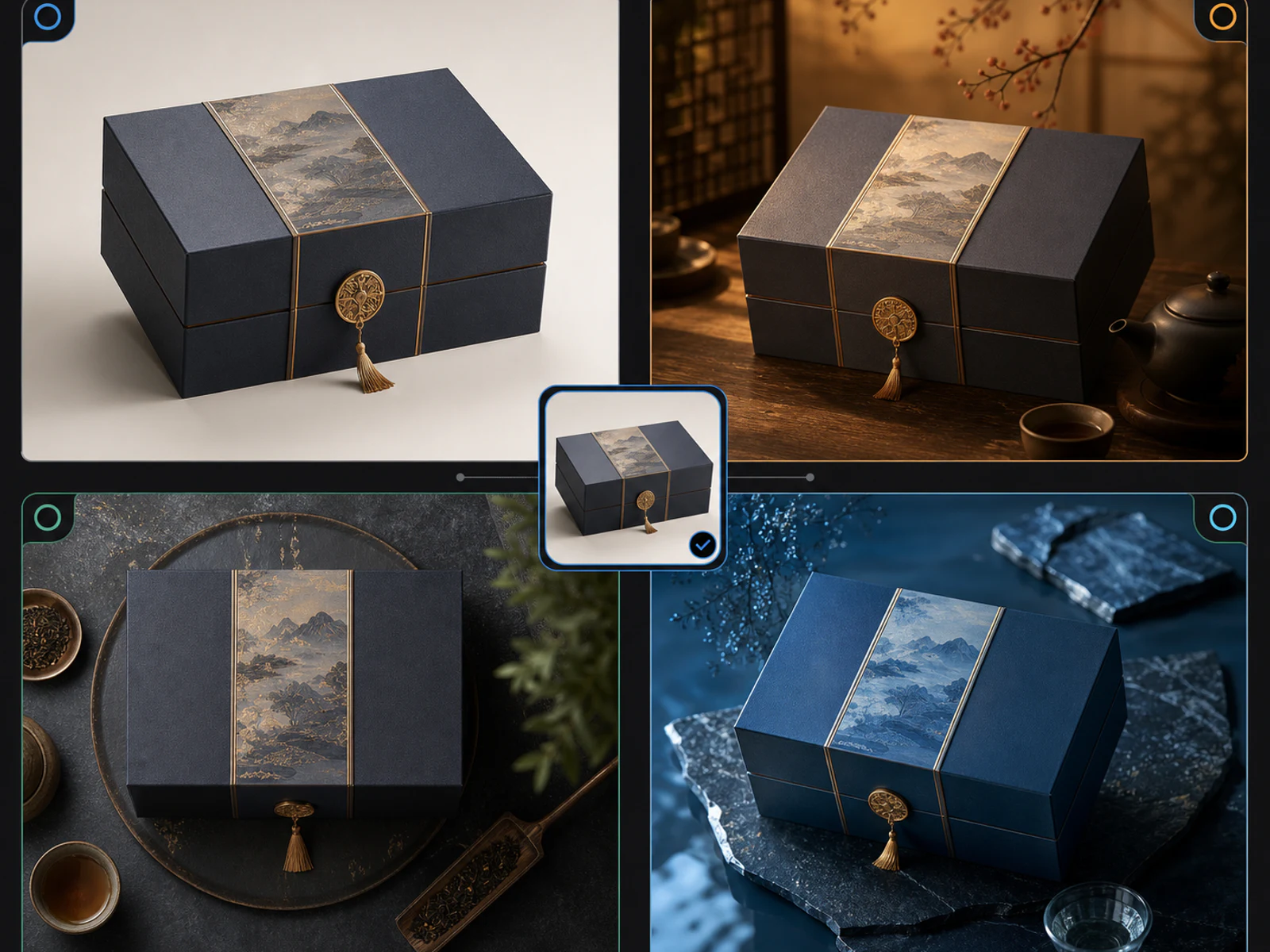
The same subject, multiple expressions, continue to approach the goal
Select the existing results as the authoritative starting point, retain the version relationship and the previous version of the creation information, and then continue to generate through new modification instructions. The product doesn't claim pixel-level locking, nor does it describe it as full conversation memory.
retain subject
Based on the reference image, continue the main body and visual details that do not require modification.
reference style
Only draw on the overall style and atmosphere, and do not copy irrelevant subjects.
Reference composition
Mainly refer to layout, framing, camera position and spatial relationship.
Materials and colors
Reference materials, textures, color palettes, light, and surface textures.
Let the generated results continue to enter posters, long-form graphics and free canvases
The design laboratory and the infinite canvas are two independent spaces: one is for structured design drafts, and the other is for free organization and continuous exploration.
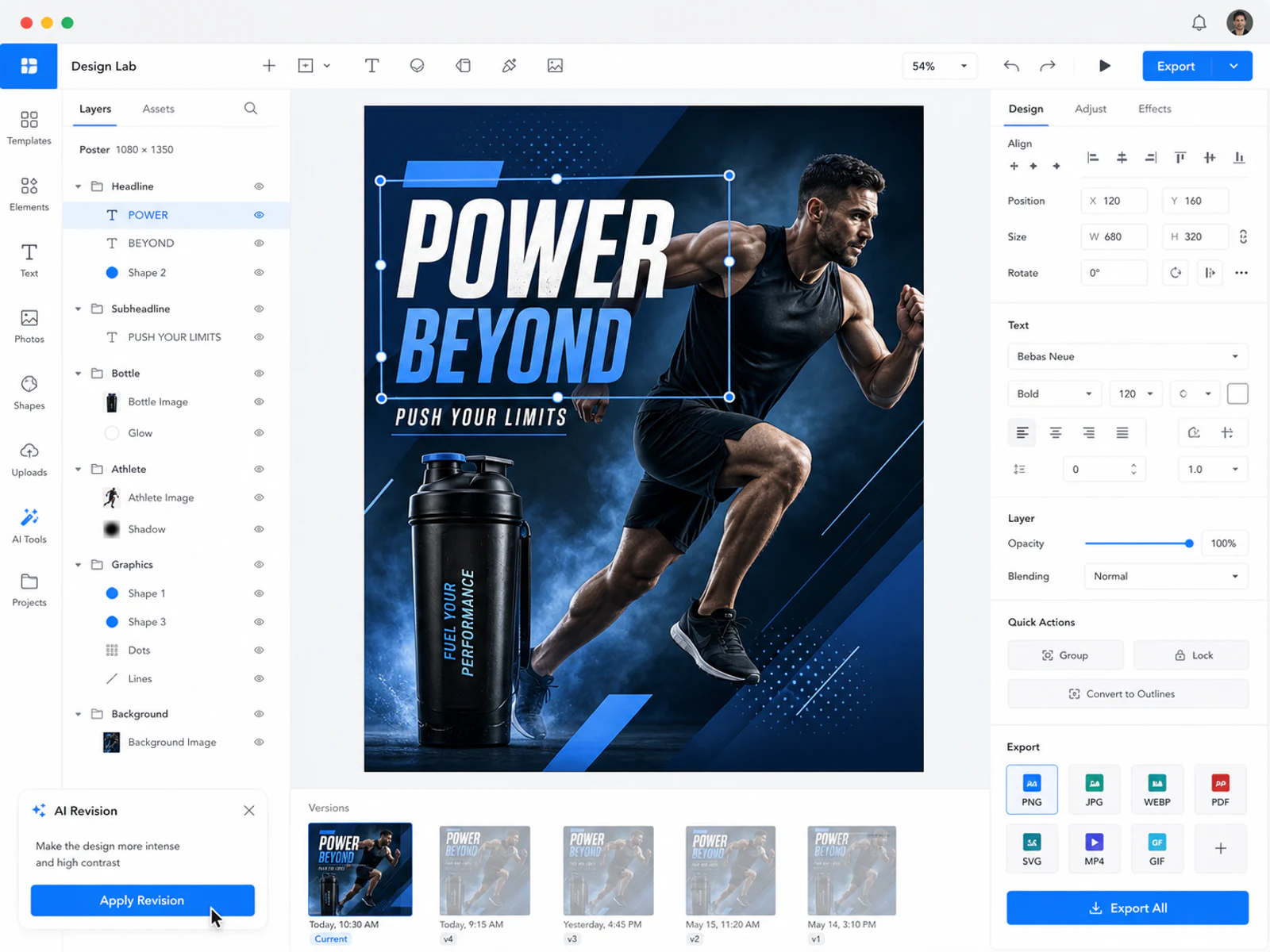
design lab
Organize requirements into editable text, picture and shape layers, supporting manual editing, AI revision, version saving and multi-format export.
Opened PNG, JPG, WebP, SVG, PDF, HTML ZIP, public account code and project JSON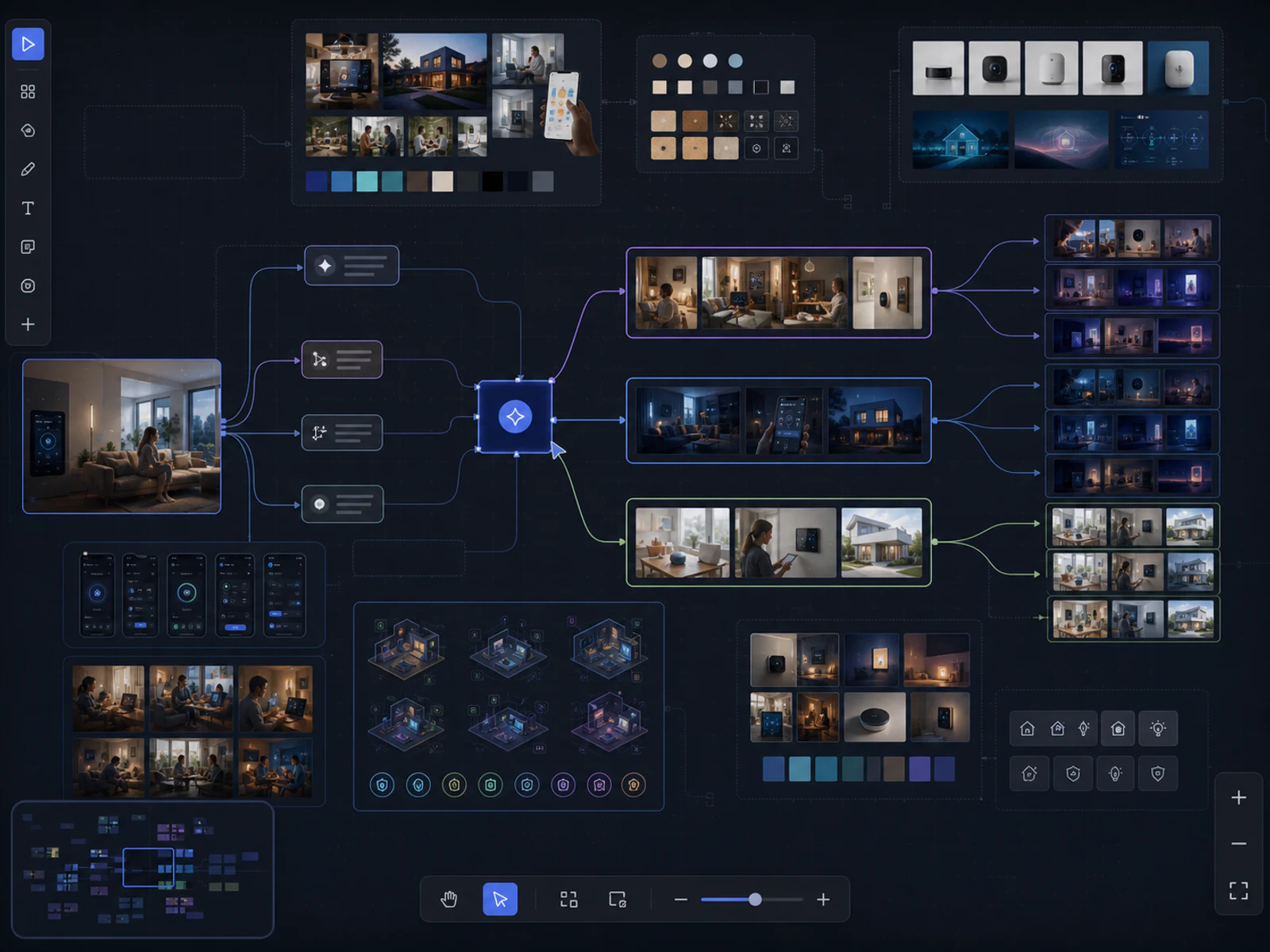
infinite canvas
Organize projects, assets, layers, components, and multiple visuals in free space and continue adjusting the current canvas with AI commands.
Local drafts and cloud projects use different import and export boundariesReal works, showing different commercial visual directions
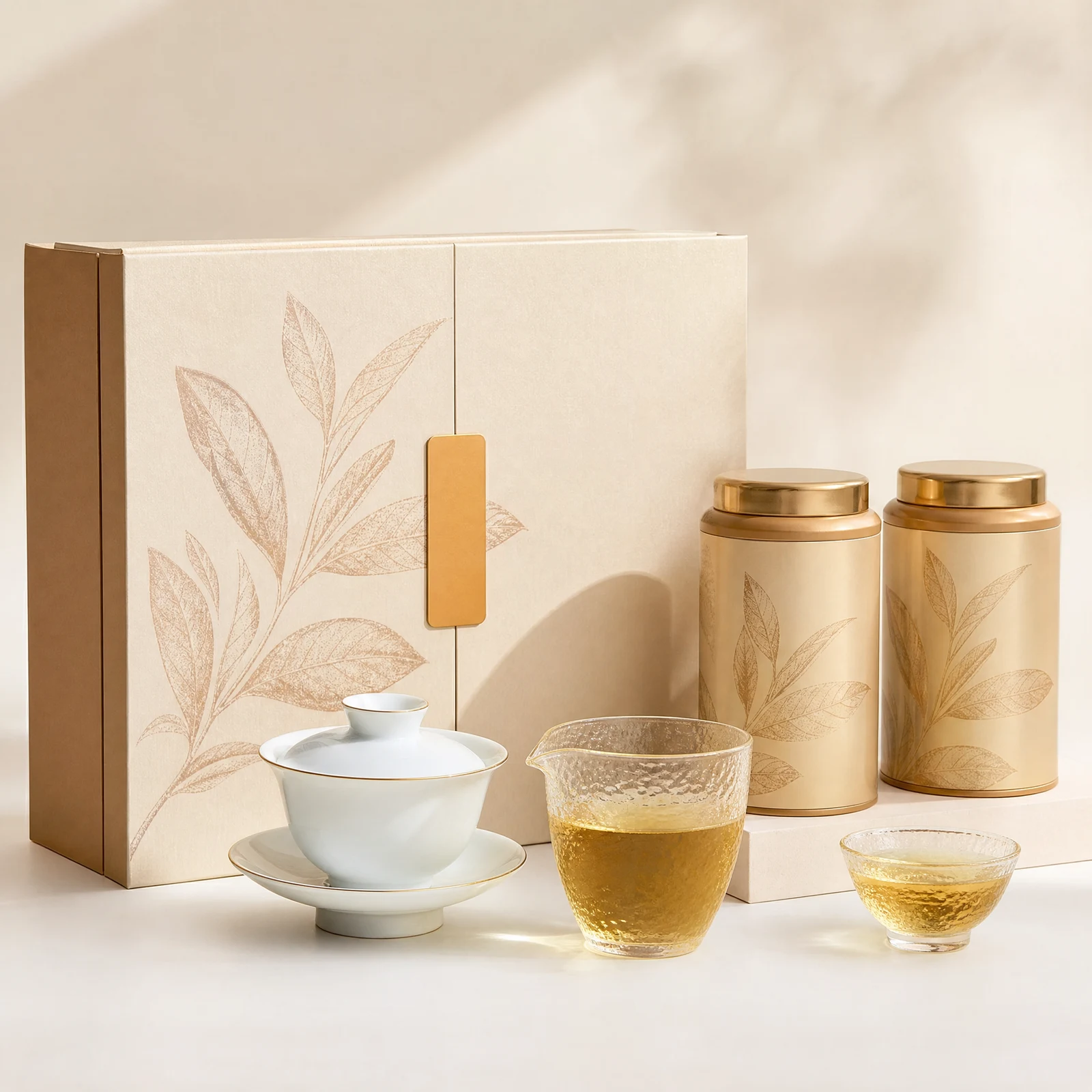
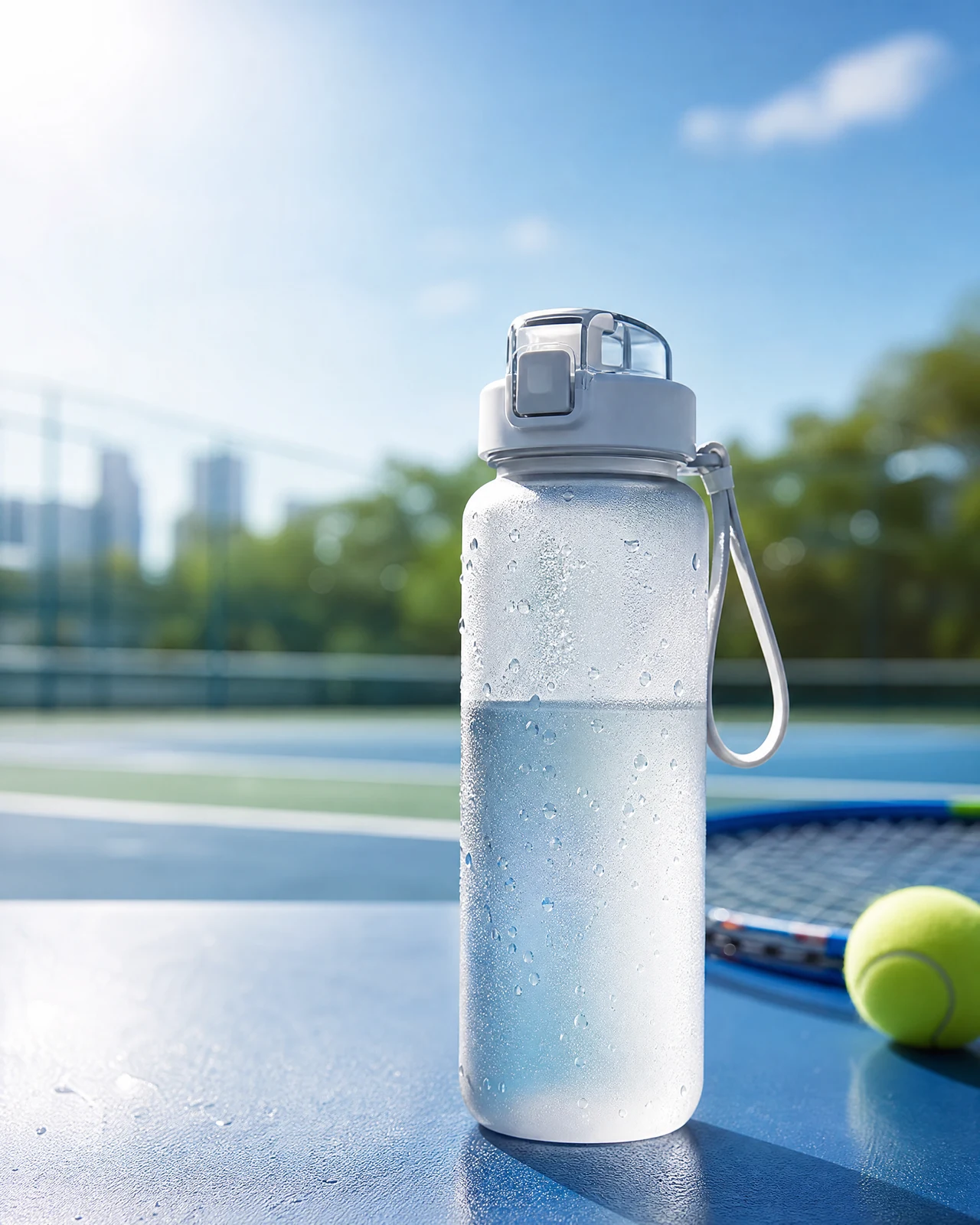
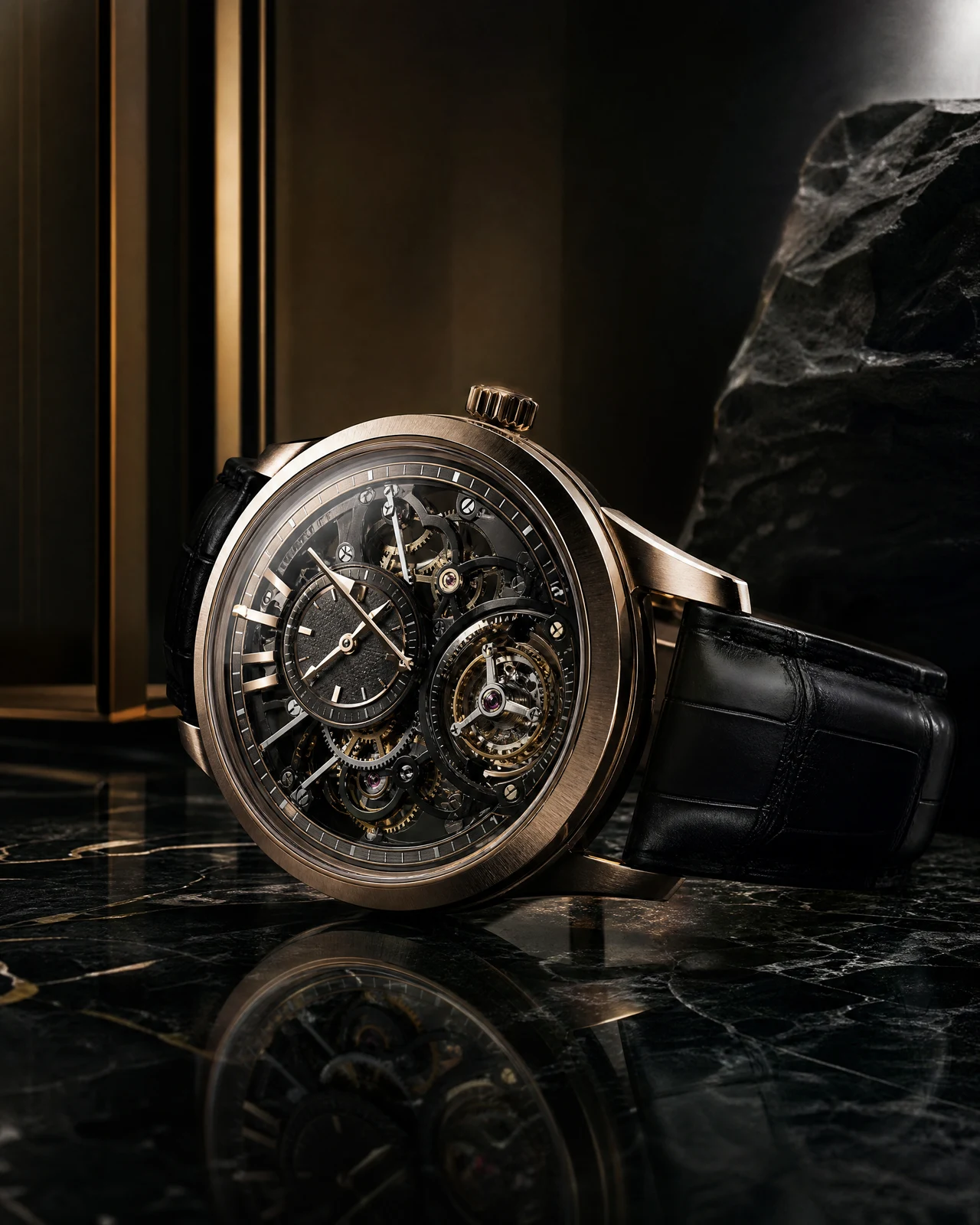
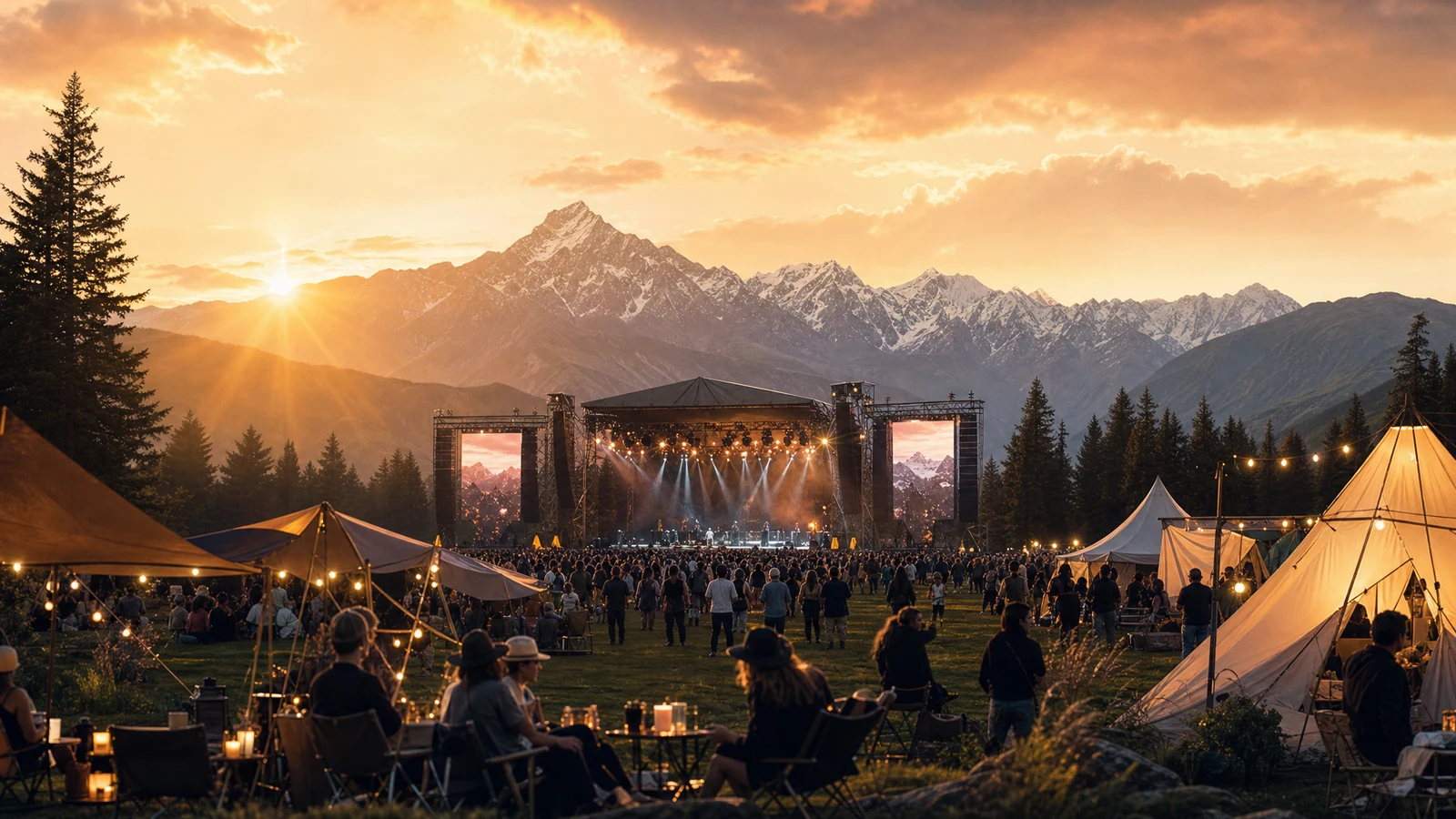
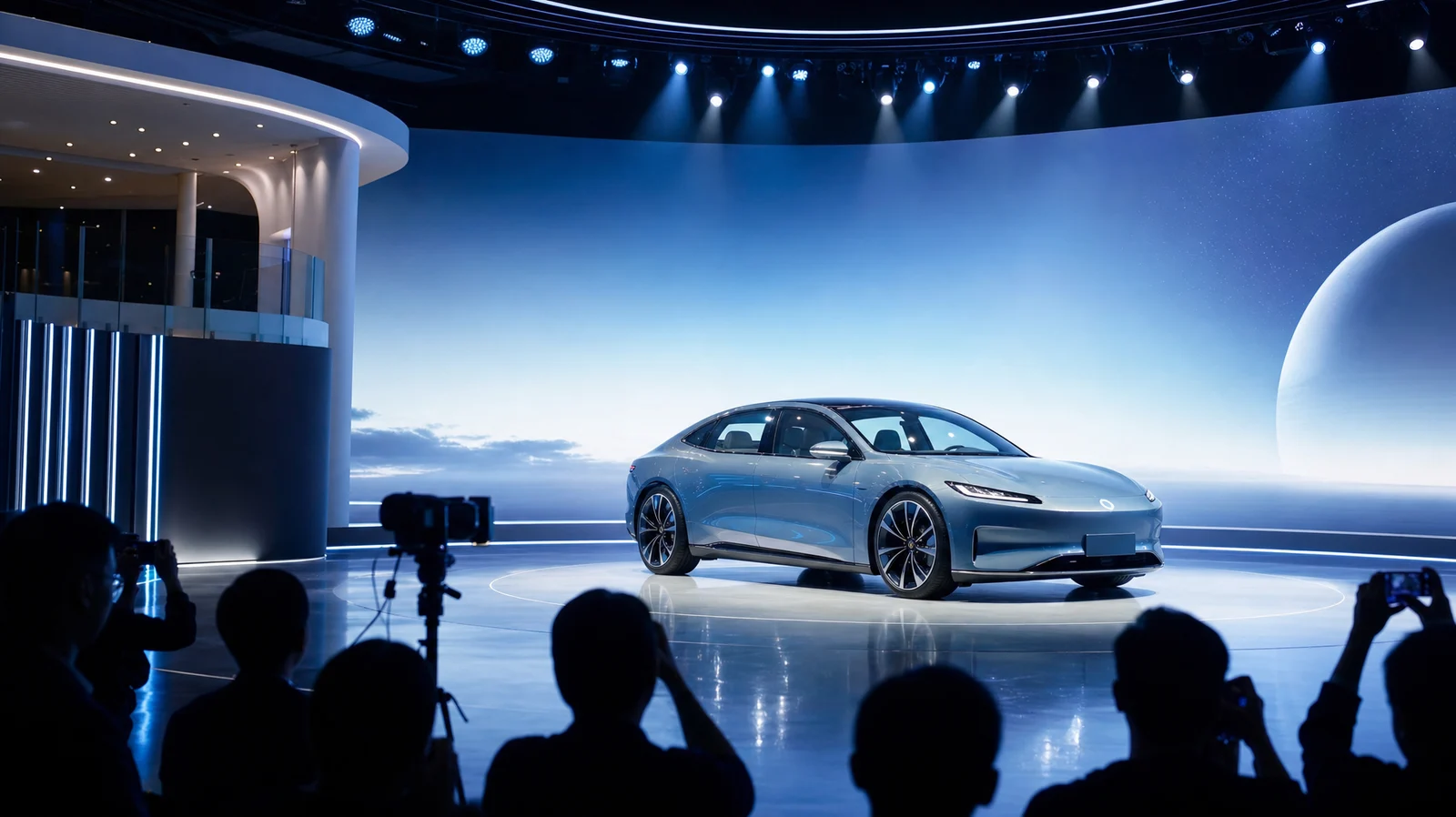
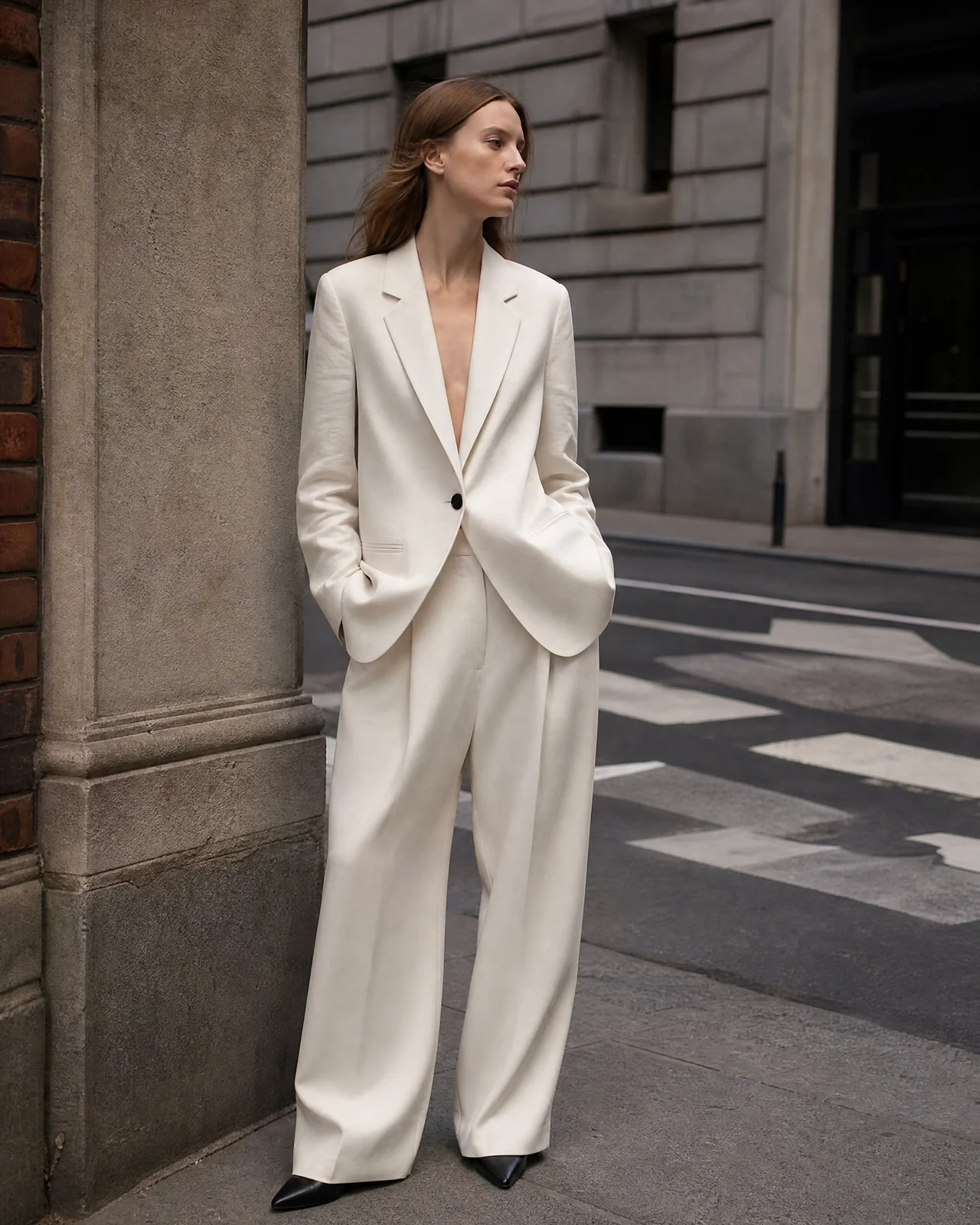
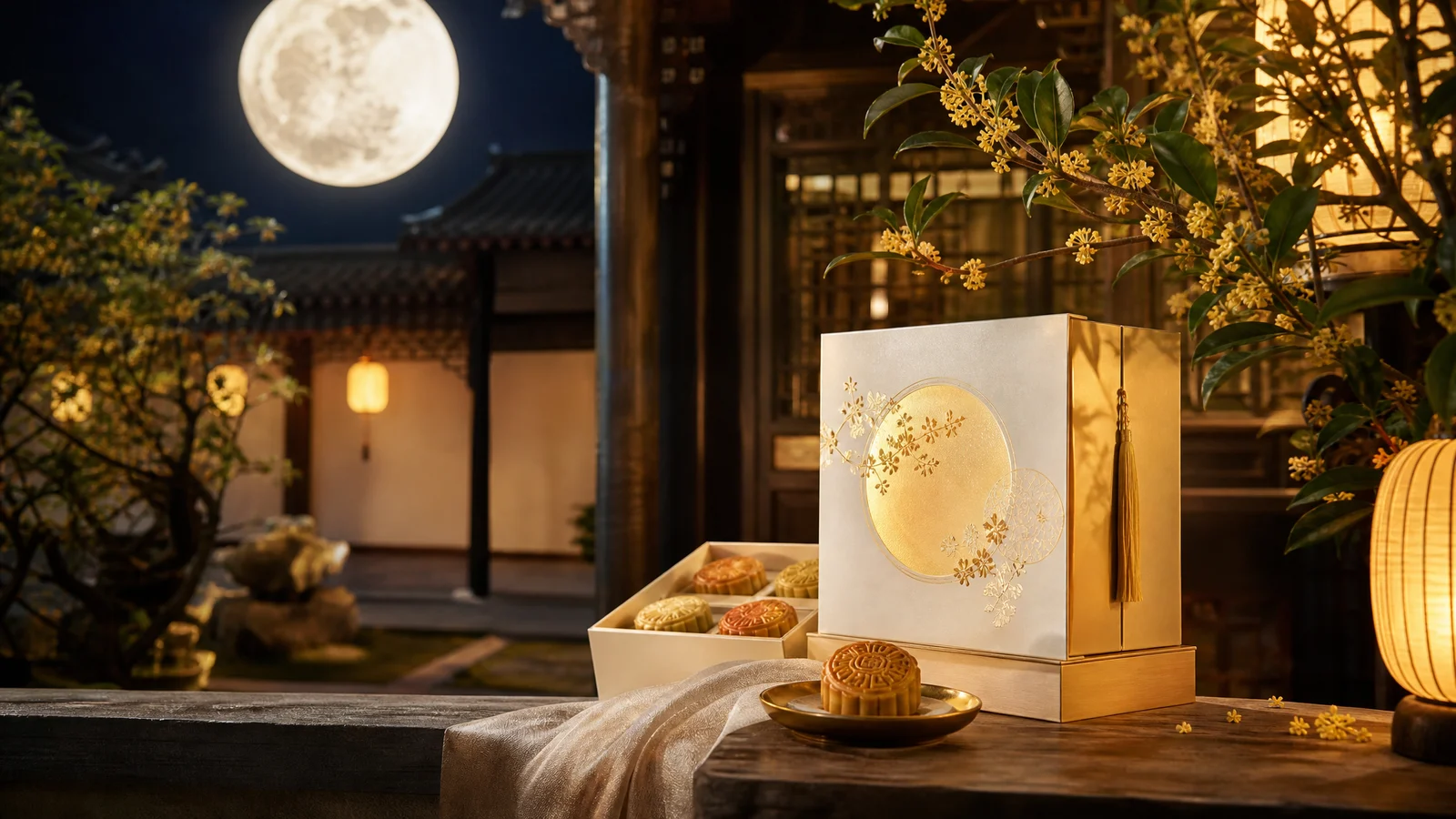
From product photography and packaging design to event key visuals and brand releases, DPXX Image’s creation and extension capabilities for real commercial content are demonstrated through a variety of themes, compositions and picture styles.
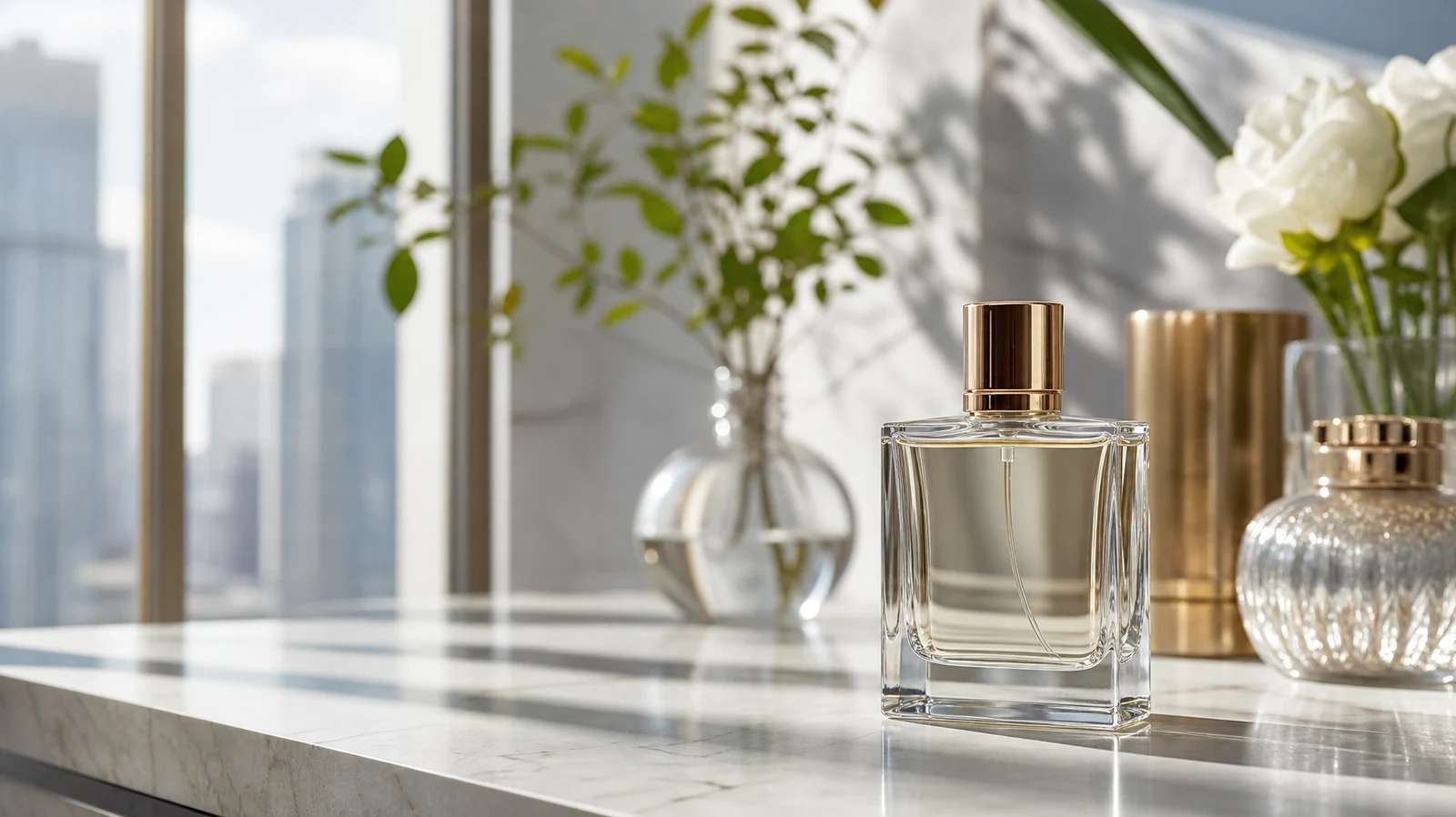
Allow creative records and visual results to be continuously reused
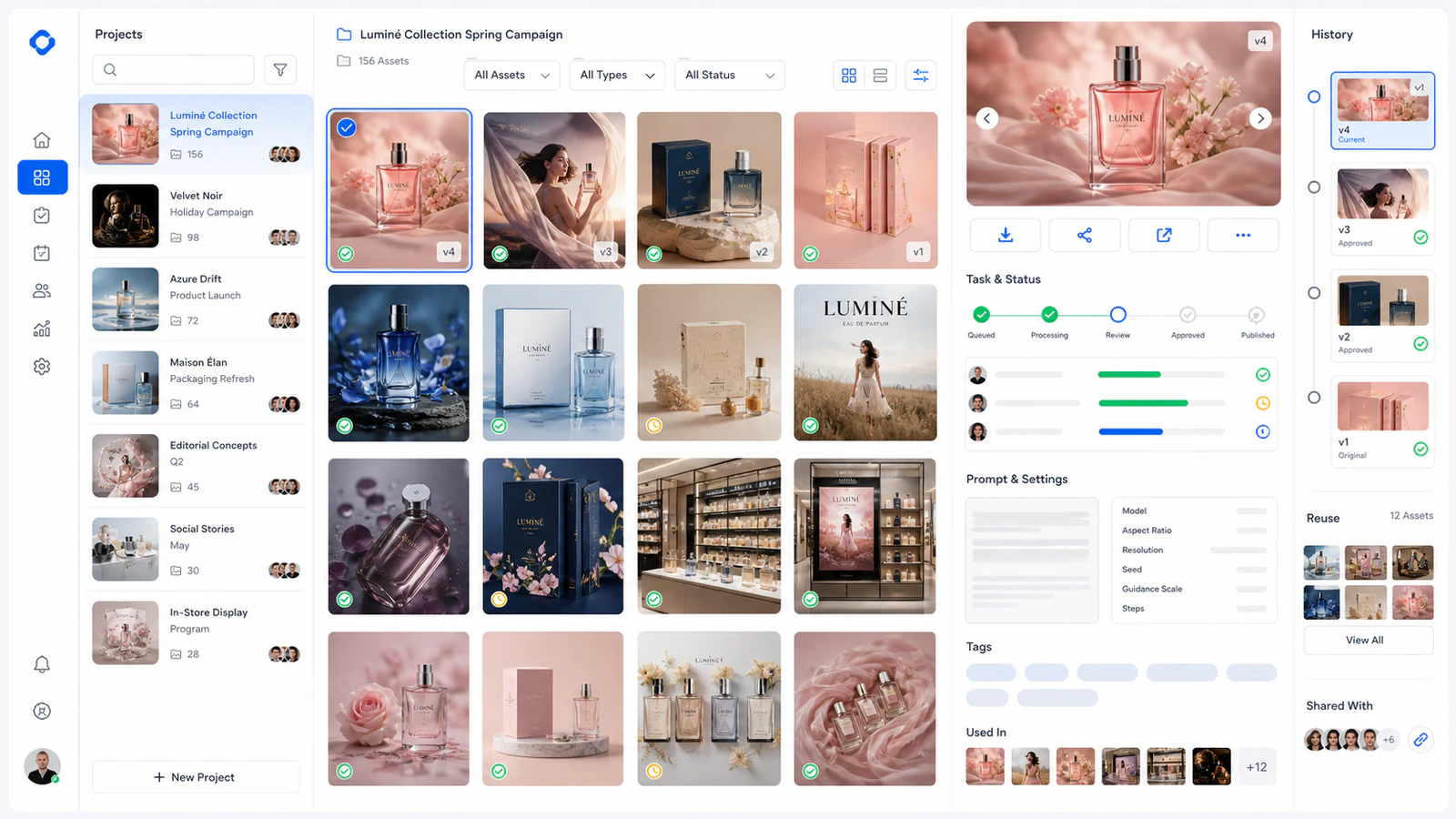
Establishing an ongoing record around generation tasks, prompts, reference material, and final results allows teams to view past creative processes and continue working from the original images that are still available.
- 01Check the generation tasks, prompts, parameters and score status
- 02Continue to adjust from results that are still within the retention period of the original image.
- 03Actively share or unshare your completed works
We’re clearer about models, usage and content security
Models, specifications and points are configured by the product in real time; commercial use, data preservation and content governance follow the platform's formal rules.
01What creative methods are currently supported?+
Supports Vincent drawings, reference drawings and continuous adjustments starting from existing images, as well as an independent design laboratory and unlimited canvas.
02What specifications are supported?+
The current model covers 1K, 2K, 3K, and 4K, with up to nine formats and three quality levels of low, medium, and high; the actual combination is subject to the model selection panel.
03How to use reference images?+
A maximum of 16 input images can be used in one task, and you can choose to keep the subject, refer to style only, refer to composition, or refer to material and color.
04What format is the generated result in?+
The original image is saved according to the actual format returned by the model, which is usually PNG, JPEG or WebP; the ordinary raw image page does not provide independent format selection for the time being.
05Will points be deducted if the task fails?+
When submitting, the points required for this task will be frozen first; when the task ultimately fails, the system will release the points that are still frozen based on the task record.
06How long are original images saved?+
Unshared original images and reference source files are retained for 15 days; they are retained for a long time during the sharing period and will re-enter the 15-day retention period after canceling the sharing.
07Can it be used for commercial projects?+
Can be used for compliant personal and commercial creations. Before use, you need to confirm the authorization of the input material, and complete the necessary rights, facts and industry compliance review of the results.
08How does the platform deal with non-compliant content?+
The platform will conduct text security review and can refuse to generate, restrict downloading or sharing, remove works, and handle complaints and appeals.
The generated results can be used for compliant personal and commercial creations. Please confirm the authorization of the input material before use, and complete the necessary rights, facts and industry compliance review of the final content. The specific model, specifications, points and available range are subject to the actual interface of the product.
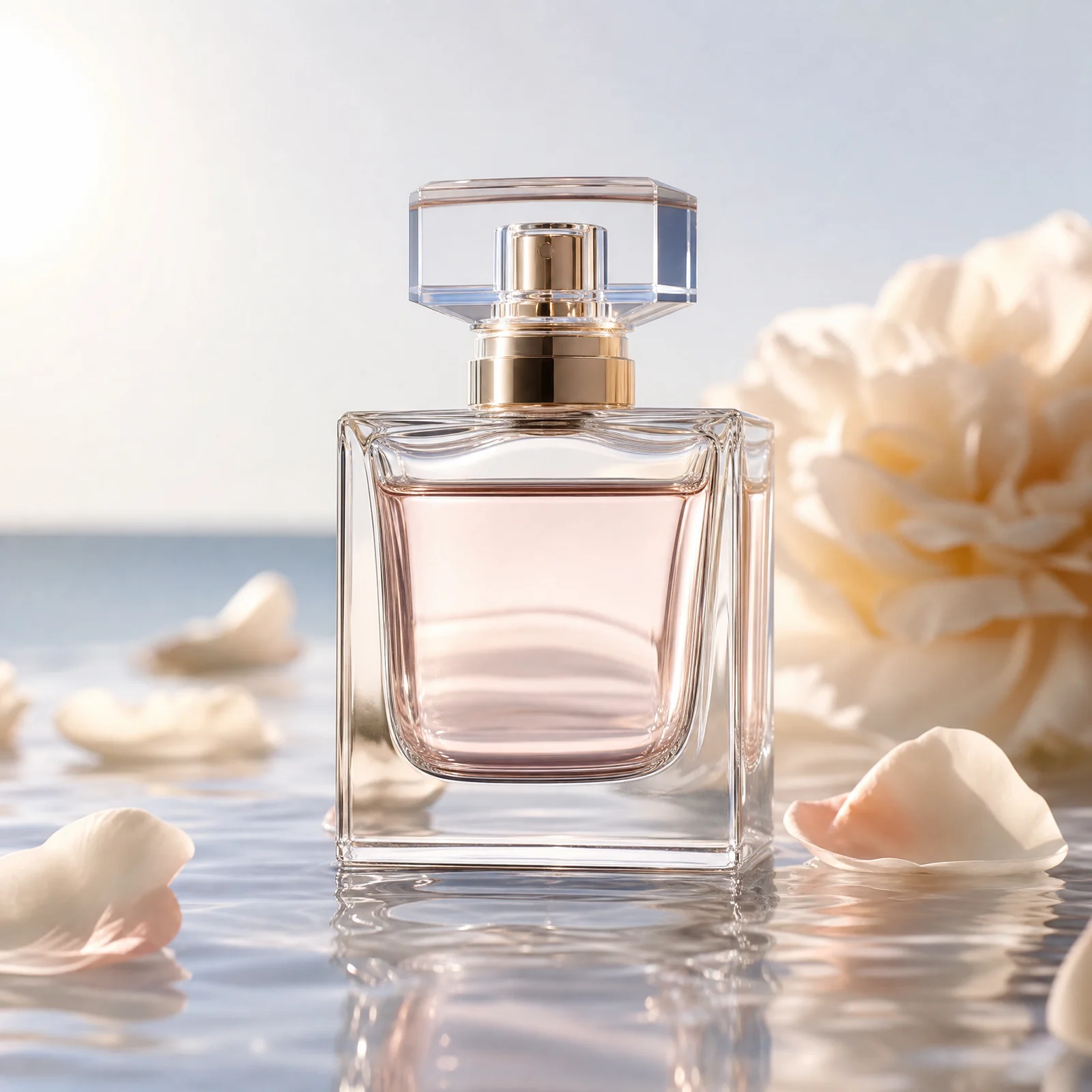
Start with a real task and generate the next commercial visual
Enter a creative requirement or upload a reference image to complete the generation, adjustment and design extension in DPXX Image.