

DPXX Voice
Let words have a voice and let expressions reach your ears
Enter a piece of text, select an official sound suitable for the content, and specify the desired tone, rhythm, and expression to generate a sound result that can be listened to and downloaded.
Start with a piece of text and get a sound result that you can use directly.
Input brand copy, product explanations, short video scripts, course lectures or audio content into DPXX Voice, select the official voice and add reading requirements. Once generated, you can listen to it, download it immediately, and continue to view it in the history.
The first ray of light falls by the window in the morning, and new inspiration begins from this moment.
- text
- official sounds
- Reading requirements
- Sound results
A platform to complete sound generation and common media processing
Text-to-speech is the core creative capability of DPXX Voice; speech recognition, video to audio, and format conversion are used to organize existing media materials, so that sound generation and processing can be completed in the same product.
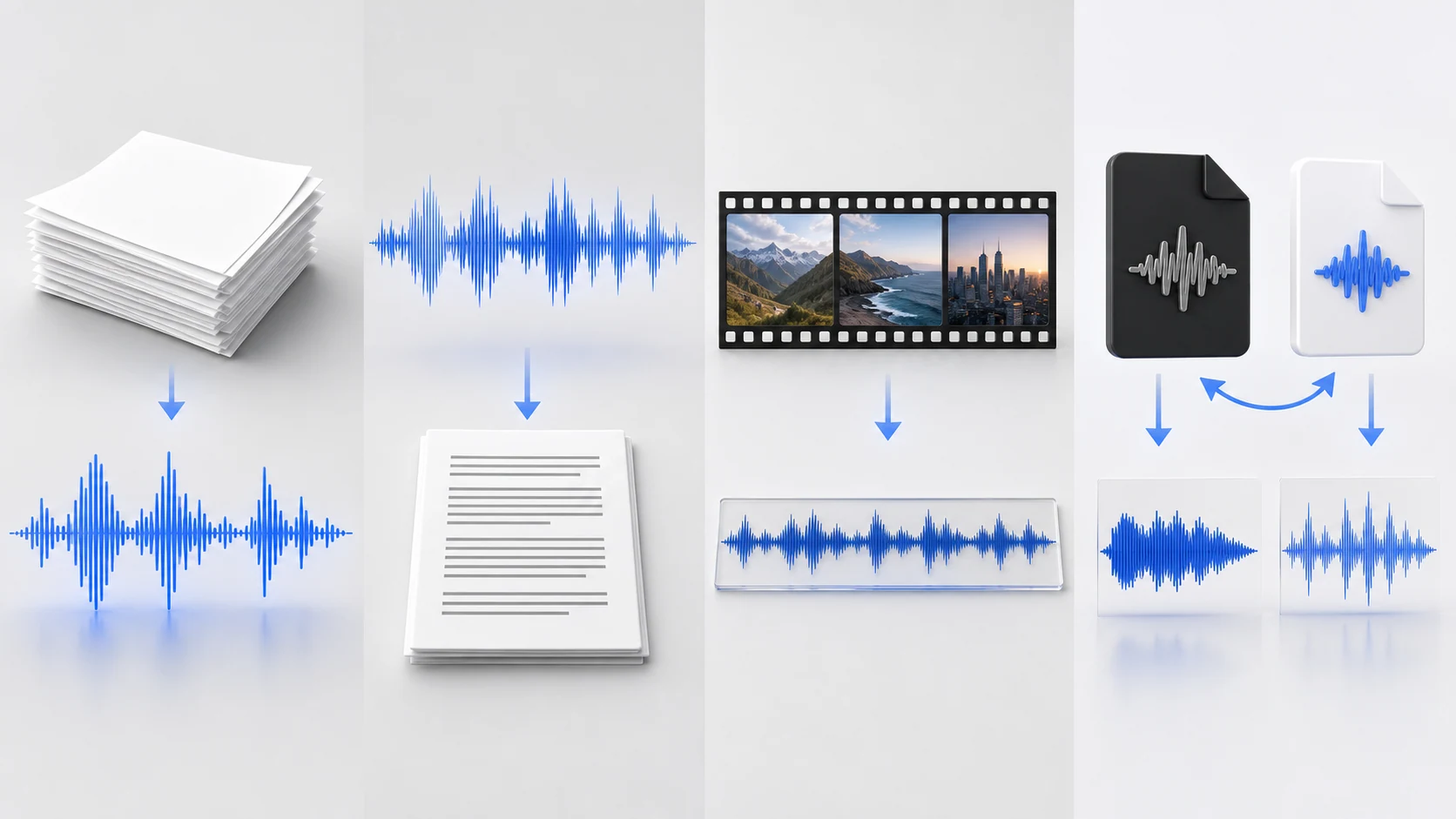
text to speech
Enter the content, select the official tone and language, and supplement the reading requirements to generate a voice that can be listened to and downloaded.
speech recognition
Upload currently supported recording files and convert voice content into text that can be continued to be organized and used.
Video to audio
Extract audio tracks from video files and export them to MP3 or WAV for easy editing and archiving.
Audio format conversion
Convert between currently supported audio formats to prepare files for playback, editing and delivery.
Choose a more appropriate voice expression for different content
Different content requires different voice temperaments. The following auditions are all from the current official sounds of DPXX Voice; the actual available sounds and language range are subject to the product UI.

Bingtang · Clear female voice
Chinese · Courses, knowledge content and product descriptions

Jasmine · Gentle female voice
Chinese · Lifestyle, short video and service content

Suda · dynamic male voice
Chinese · Social content, event warm-up and youthful expression

Baihua · Calm male voice
Chinese · Brand story, company introduction and record content
Not only choose a voice, you can also specify how you want it to be read.
Based on the same text and the same official sound, the tone, rhythm, emotion or expression direction can be supplemented. The read-aloud requirements are intended to guide results and do not promise absolute control over every detail.

A new generation of products, starting with a lighter, faster and more natural experience.
Calm and restrained
Suitable for brand releases · Jasmine
Friendly and natural
Suitable for product introduction · Jasmine
Clear and rhythmic
Suitable for short video narration · Jasmine
From copywriting to audio, every step has clear results.
Put content, timbre, language, reading requirements, task status and final audio into a continuous process to reduce the need to reorganize information between multiple tools.
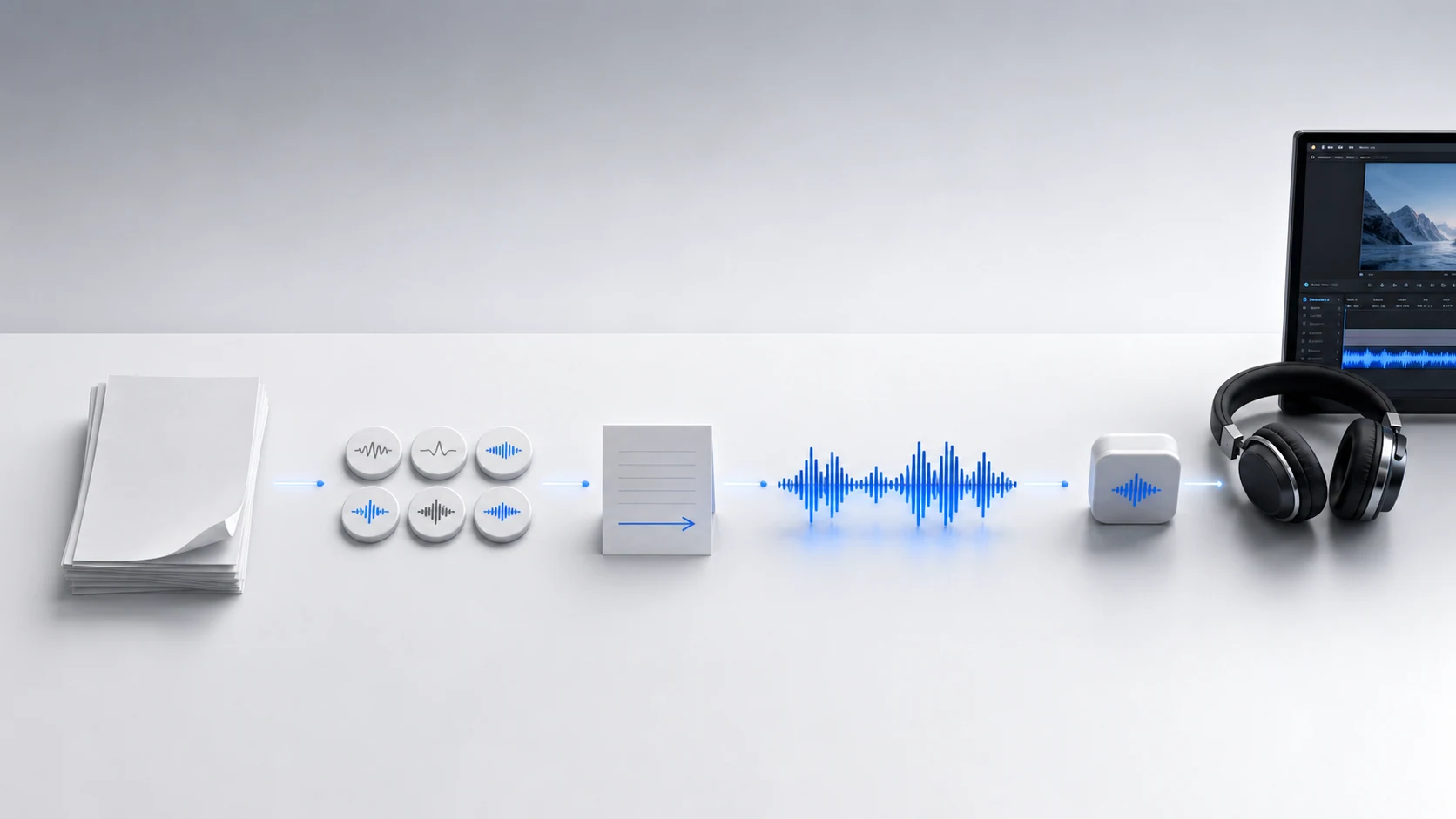
- 01
Prepare text content
Enter brand copy, script, speech or text
- 02
Choose an official sound
Select the current open tone according to the content theme
- 03
Additional reading requirements
Explain tone, rhythm, mood and direction of expression
- 04
Generate and listen
View task status and listen to successful results
- 05
Download and manage
Download audio and review tasks in history
Three real voices, showing different expression directions of content
The following content is actually generated using the current official sounds of DPXX Voice. Only three representative auditions that can prove the differences in voice, language and expression are retained and are not packaged into customer cases.

Brand and product explanation
Calm and clear Chinese explanations, suitable for product introductions and brand content.
Bai Hua · Chinese · 15 seconds
Short video bilingual narration
The natural connection between Chinese and English makes it suitable for social short videos and overseas communication.
Mia · Chinese-English Mix · 13 seconds
English course content
Clear and natural English expression, suitable for courses and overseas brand content.
Dean · English · 19 secondsIn addition to generating, it can also process existing sound and video data.
When the content already exists in recordings or videos, speech recognition, audio track extraction or format conversion can be completed first, and then the process of sorting, editing and delivery can be entered.
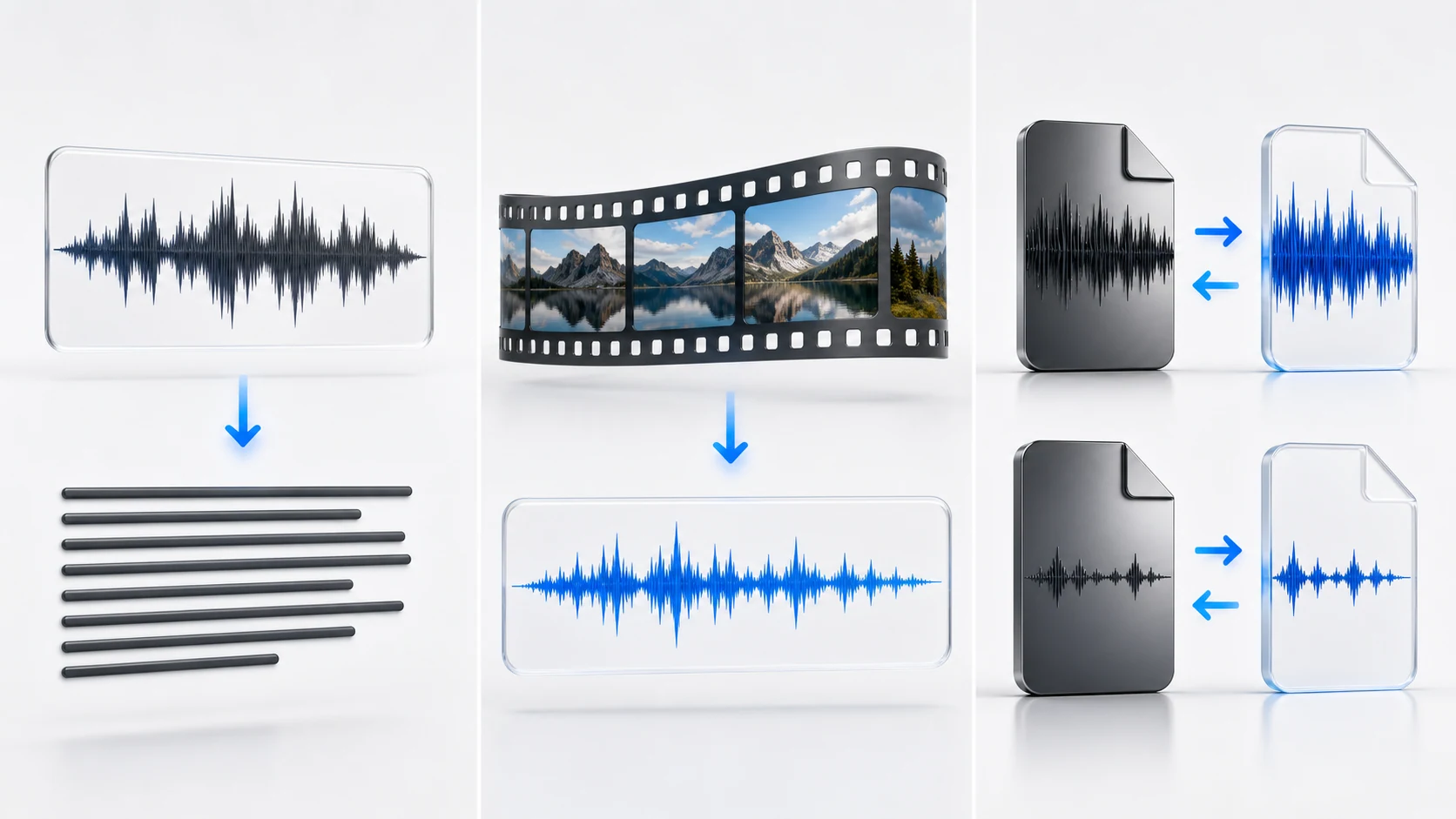
Get recognized text that you can continue to edit and organize.
Extract original audio tracks and export to MP3 or WAV.
Prepare files according to playback, editing and delivery requirements.
Putting voice into the real world of content production
From brand communication and product introduction to courses and audio content, DPXX Voice is suitable for content teams who need to continuously produce narration, explanations and audio versions.
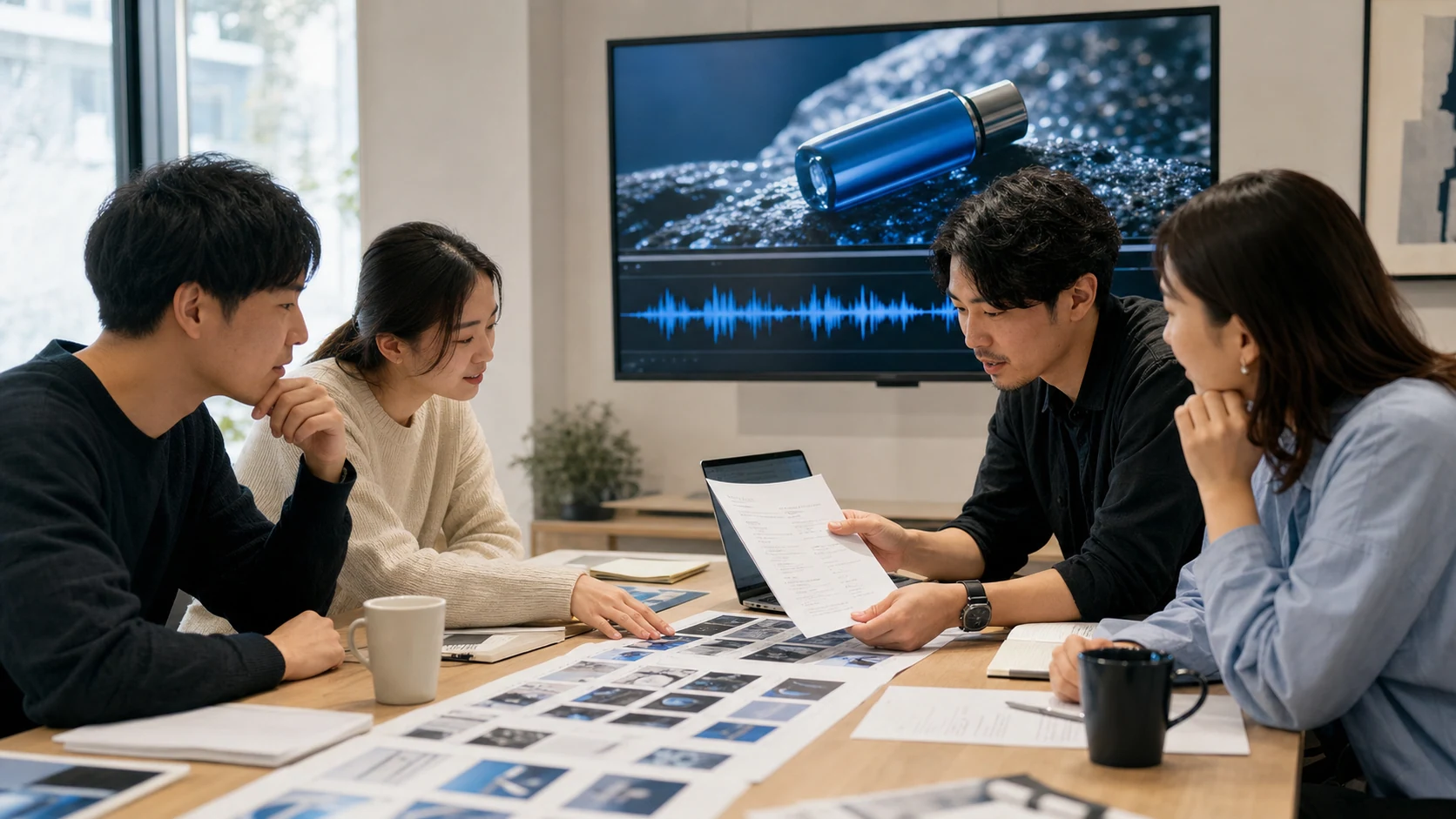
Brand and product voiceover
Convert brand propositions, product selling points and marketing scripts into sounds for advertising, official website videos and new product communication.
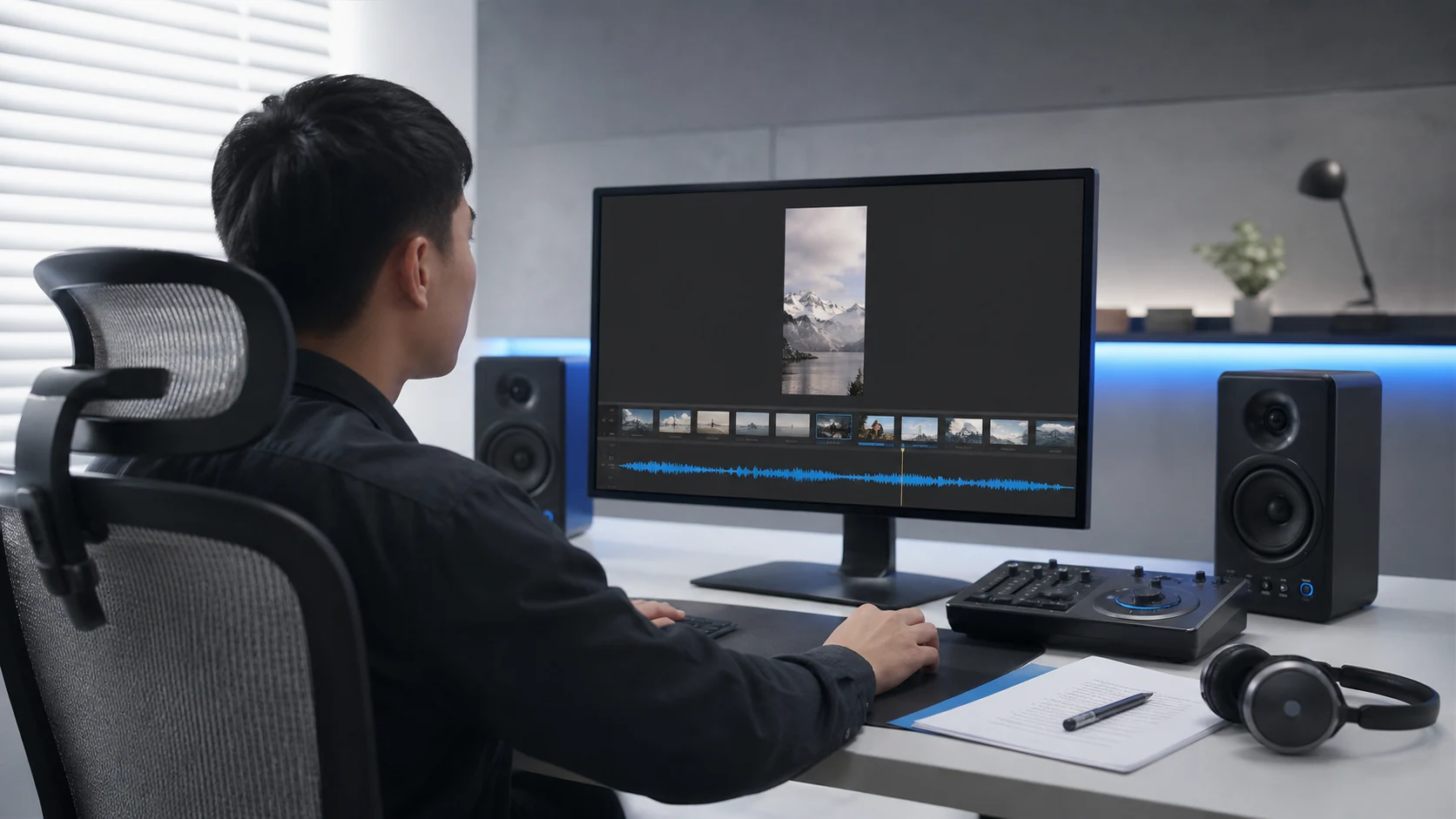
Short videos and column narrations
Prepare well-paced commentary audio for short vertical videos, knowledge columns, and social content.

Courses and training content
Turn lecture notes, knowledge content and training materials into playable course sounds.

Articles and audio content
Generate audio versions of articles, stories, news, and features to expand how your content can be used.
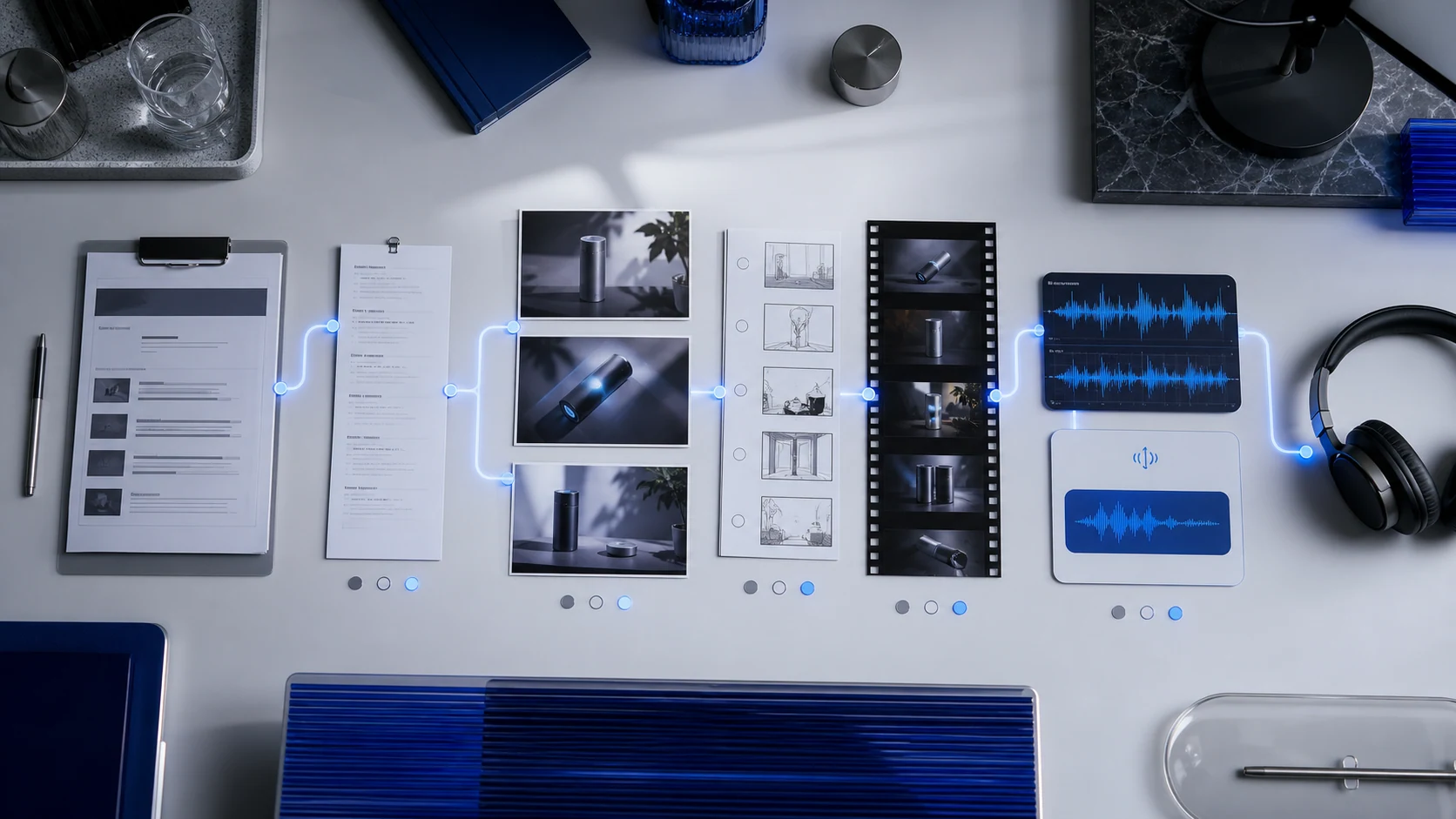
Let it be generated once and continue to the next content process
Successful sound results can be listened to and downloaded, and failed tasks provide clear status; copywriting, visuals, dynamic shots, and narration can also continue to be collaborated across DPXX AI’s four products.
- DPXX ChatCopywriting and Scripting
- DPXX Imagevisual material
- DPXX Videodynamic lens
- DPXX VoiceNarration and sound
We tell you more clearly about sounds, files and usage
Official sounds, languages, formats, points and file restrictions are provided based on the actual product configuration; material authorization, commercial use and content security follow the official rules of the platform.
The generated results can be used for compliant personal and commercial creations. Please confirm the authorization of the input material before use, and complete the necessary rights, facts and industry compliance review of the final content.
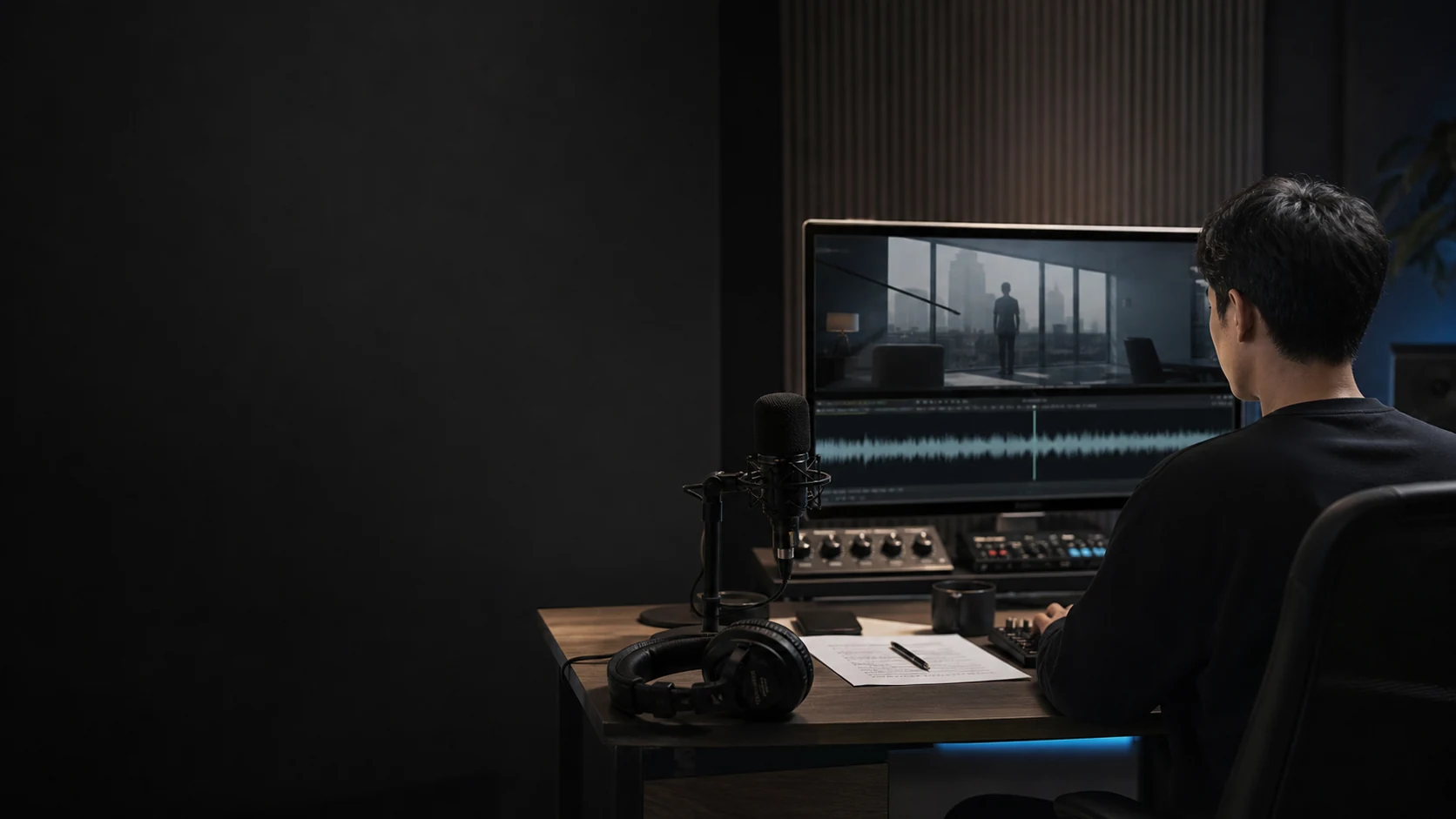
Starting from a piece of text, generate the next piece of sound content
Enter the copy, select the official voice and describe the desired expression, and complete the generation, audition and download in DPXX Voice.