

DPXX Video
Let the story start to flow and let the images have time
Push static ideas towards the camera, allowing creativity to become a watchable narrative.
Turn an idea into a lens that can be viewed directly
Starting from a creative description, a reference image, or a clear set of first and last images, generate dynamic content suitable for brand communication, product display, social short videos and narrative previews.
- 01Construct new scenes and actions from text
- 02Continuing subject, composition and visual direction from reference images
- 03Generate a clear process of change from the first and last images
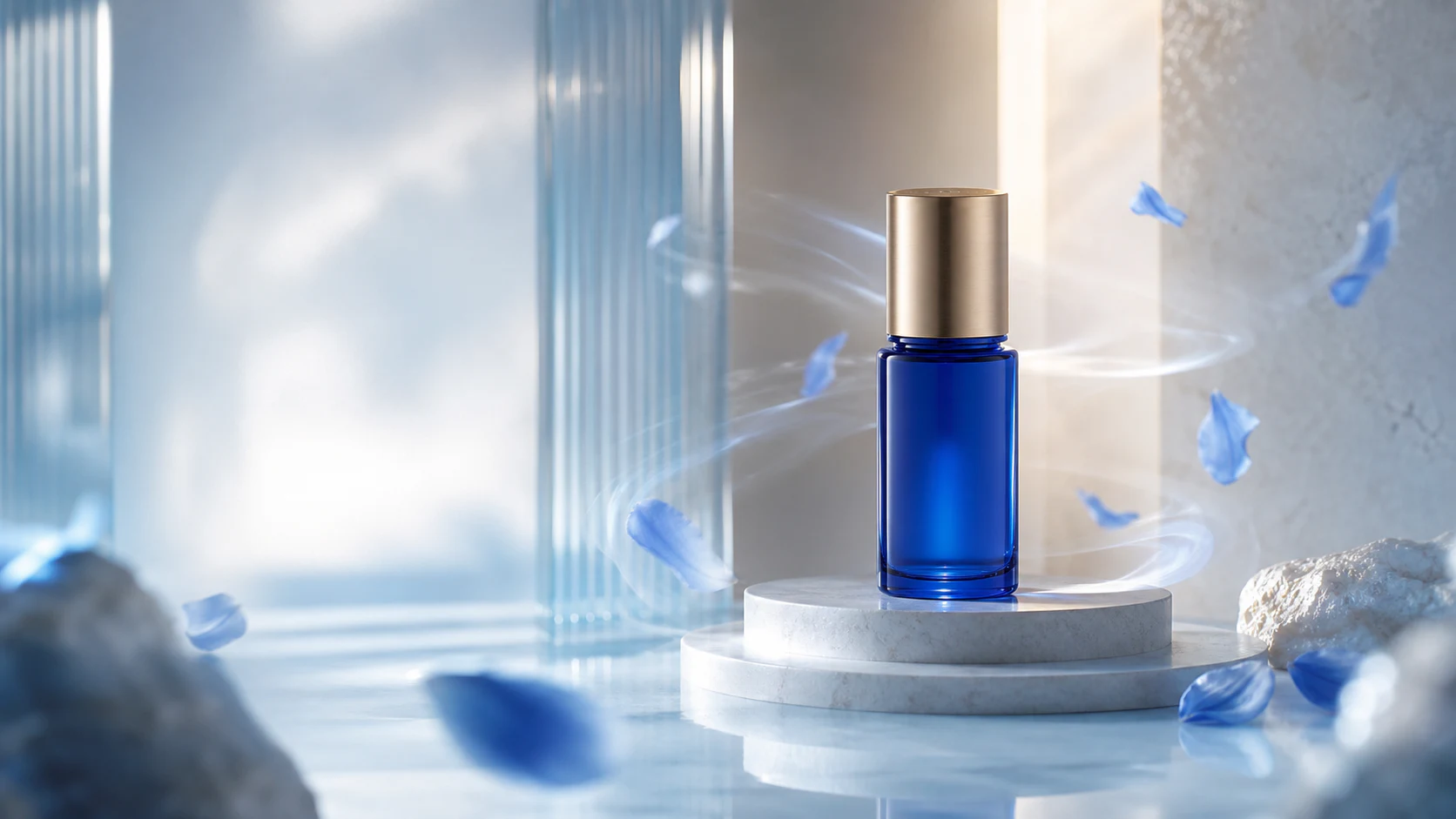
Three starting points, corresponding to three video creation methods
Depending on the existing materials and creative goals, choose to start with text, reference images, or first and last images. Different methods share the same set of models, specifications, task and results management processes.
Vincent Video
Describe subject, action, scene, camera movement, light, and style to build a dynamic shot from scratch.
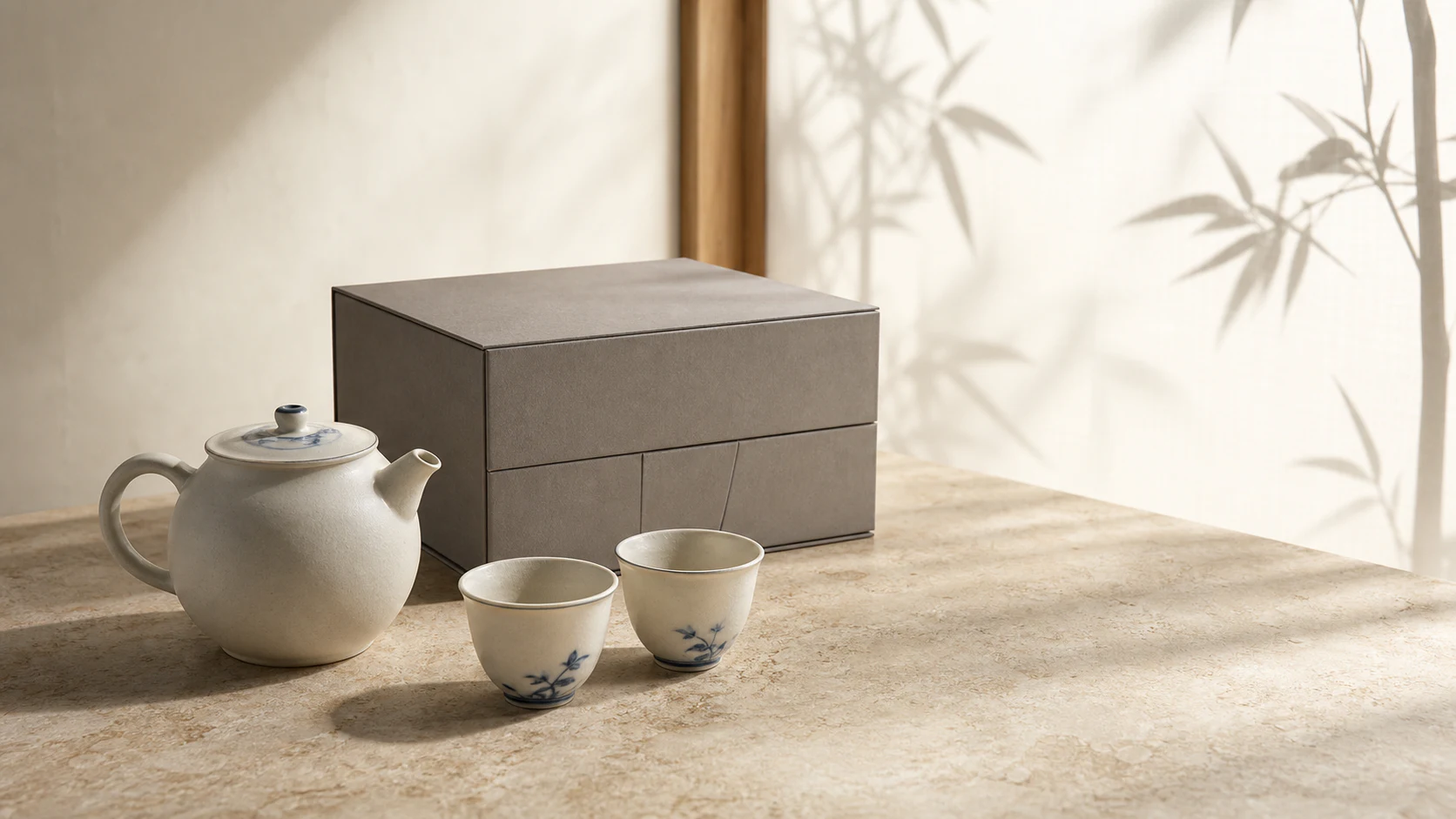
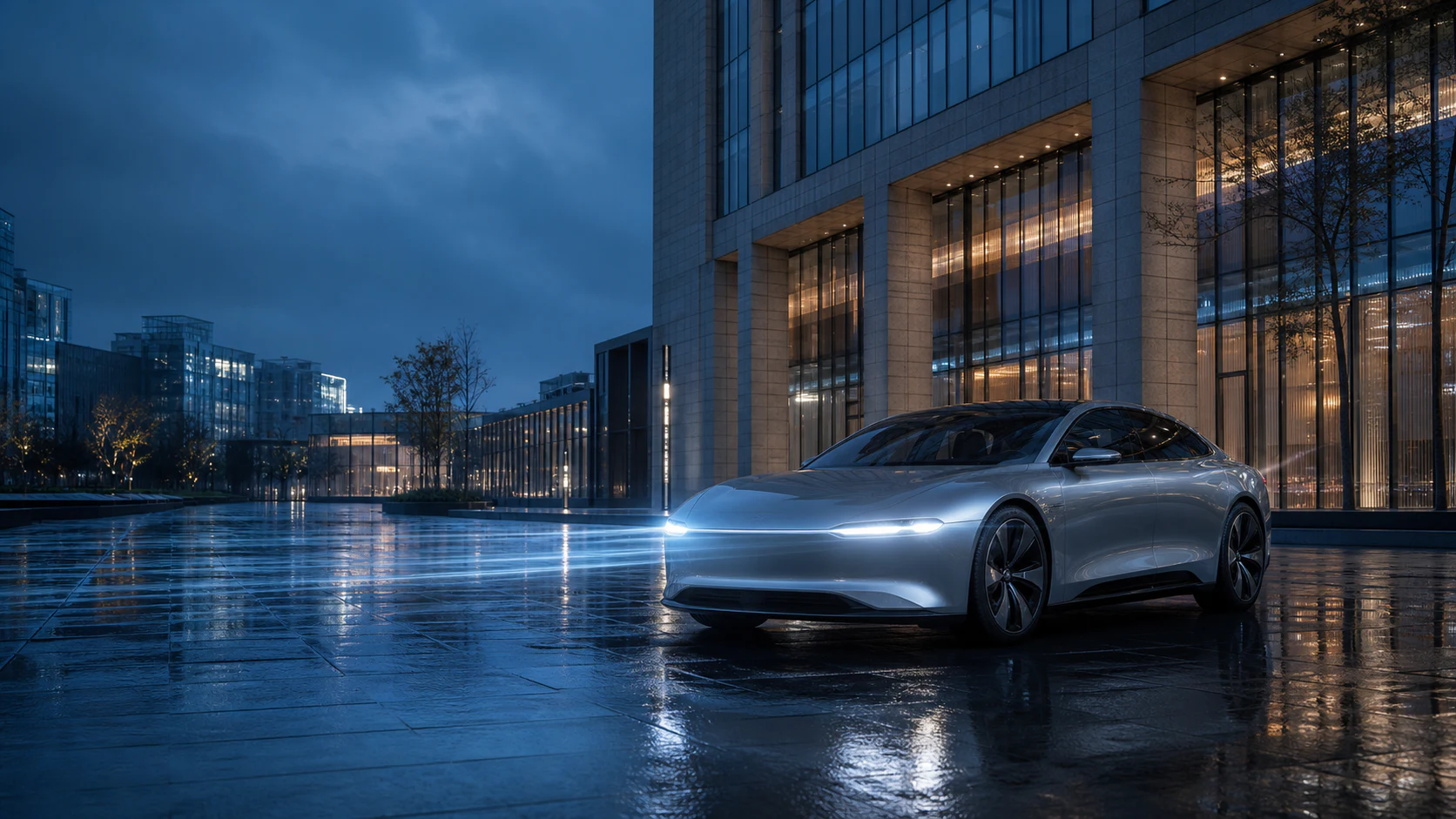
Reference Tusheng video
Upload reference images as a visual starting point, allowing the resulting results to continue the subject, scene, composition, or stylistic direction.
First and last frame video
Designate separate start and end images to center your video around a clear change or transition.
Not only describe the picture, but also explain how the picture moves
DPXX Video can supplement descriptions around subject, action, scene, shot, visuals, rhythm and sound, turning vague ideas into actionable shot requirements.
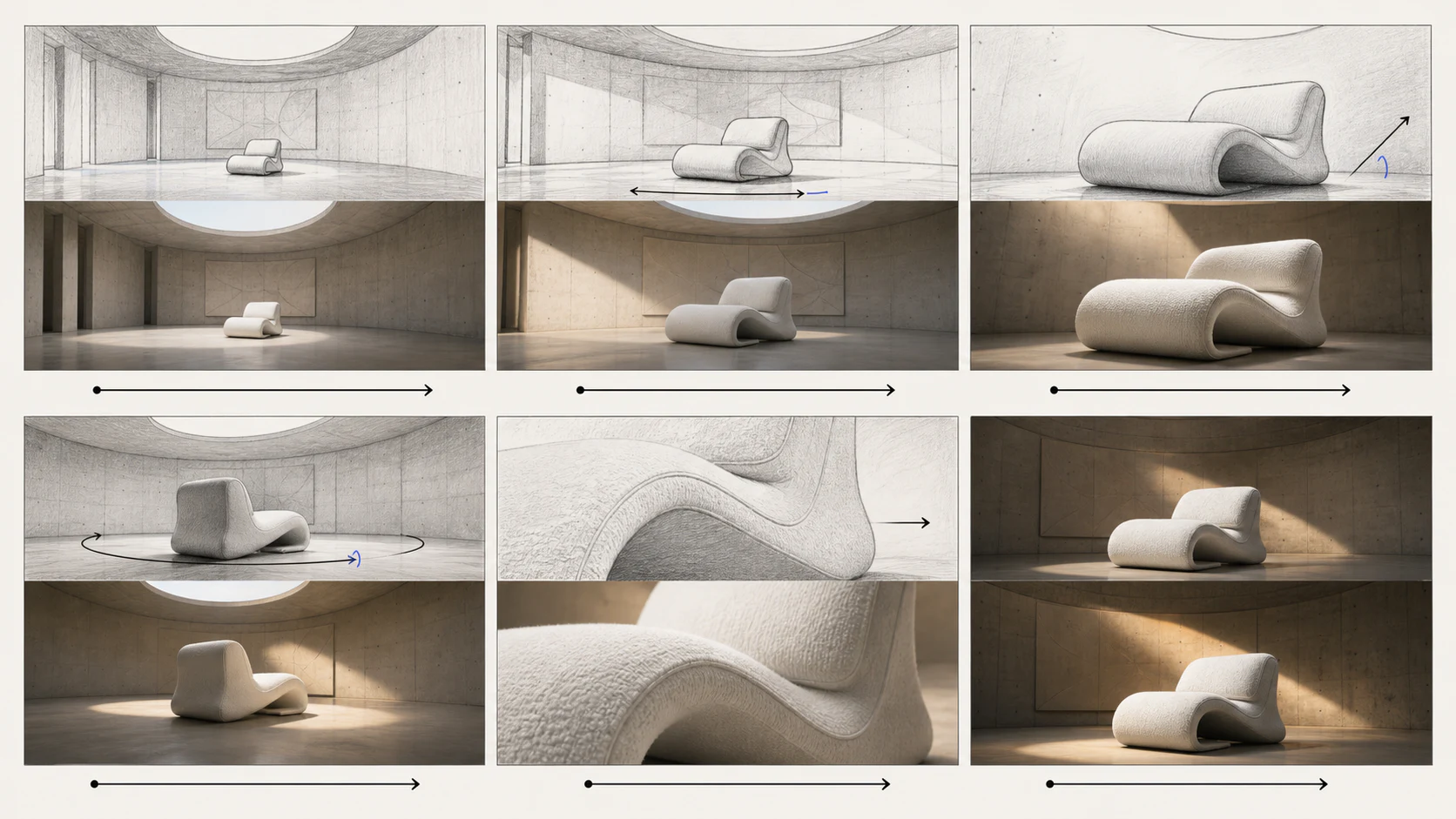
Let the reference map determine the visual starting point and keep the movement moving forward
The reference image provides the subject, composition, material, light or visual atmosphere; the video prompt continues to explain the subject's action and camera movement, both of which jointly determine the direction of generation.
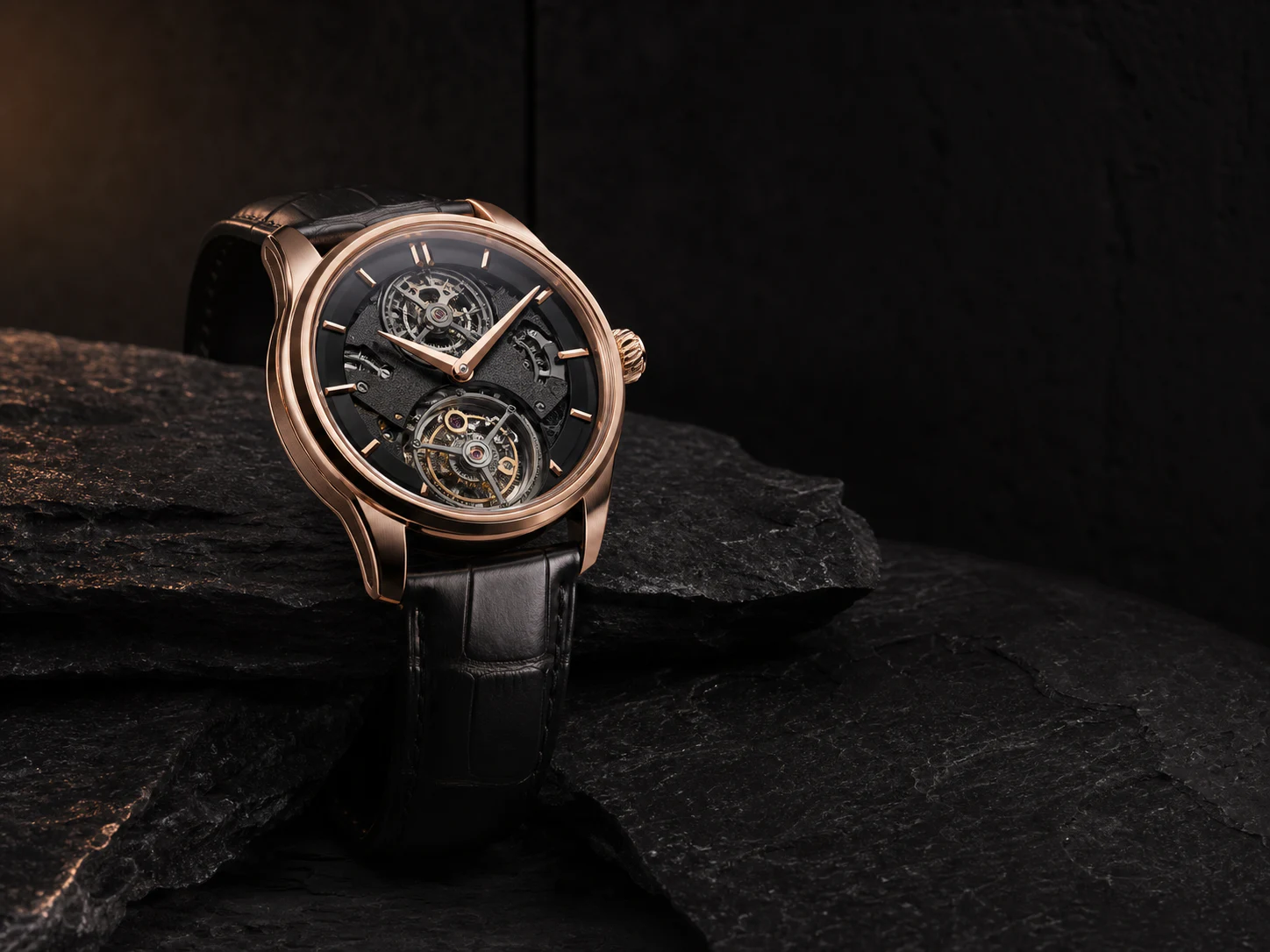
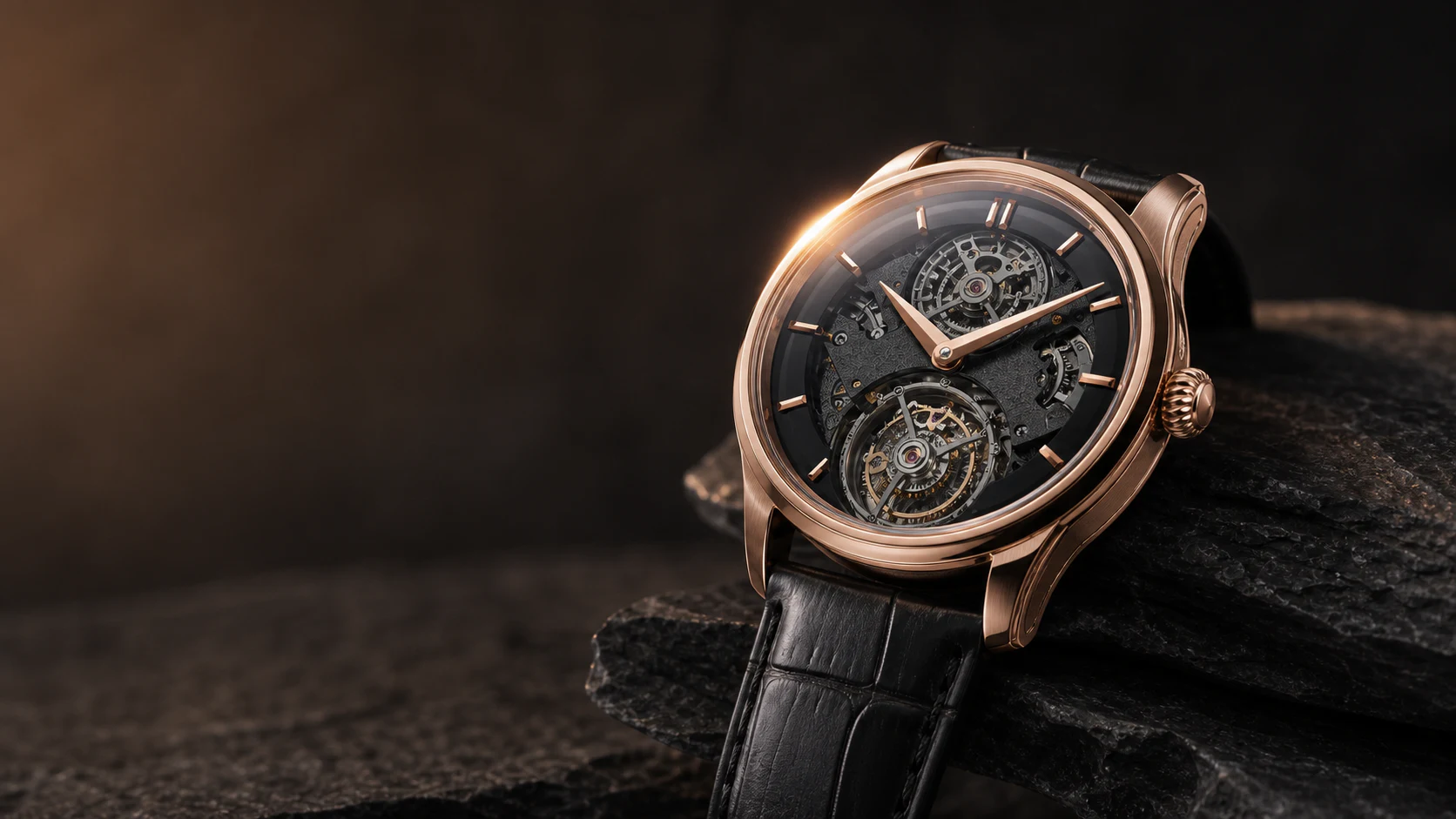
Reference images are used to establish the direction of the build and do not promise an absolute lock on subject, detail, or motion results.
Use the first and last frames to control a clear change
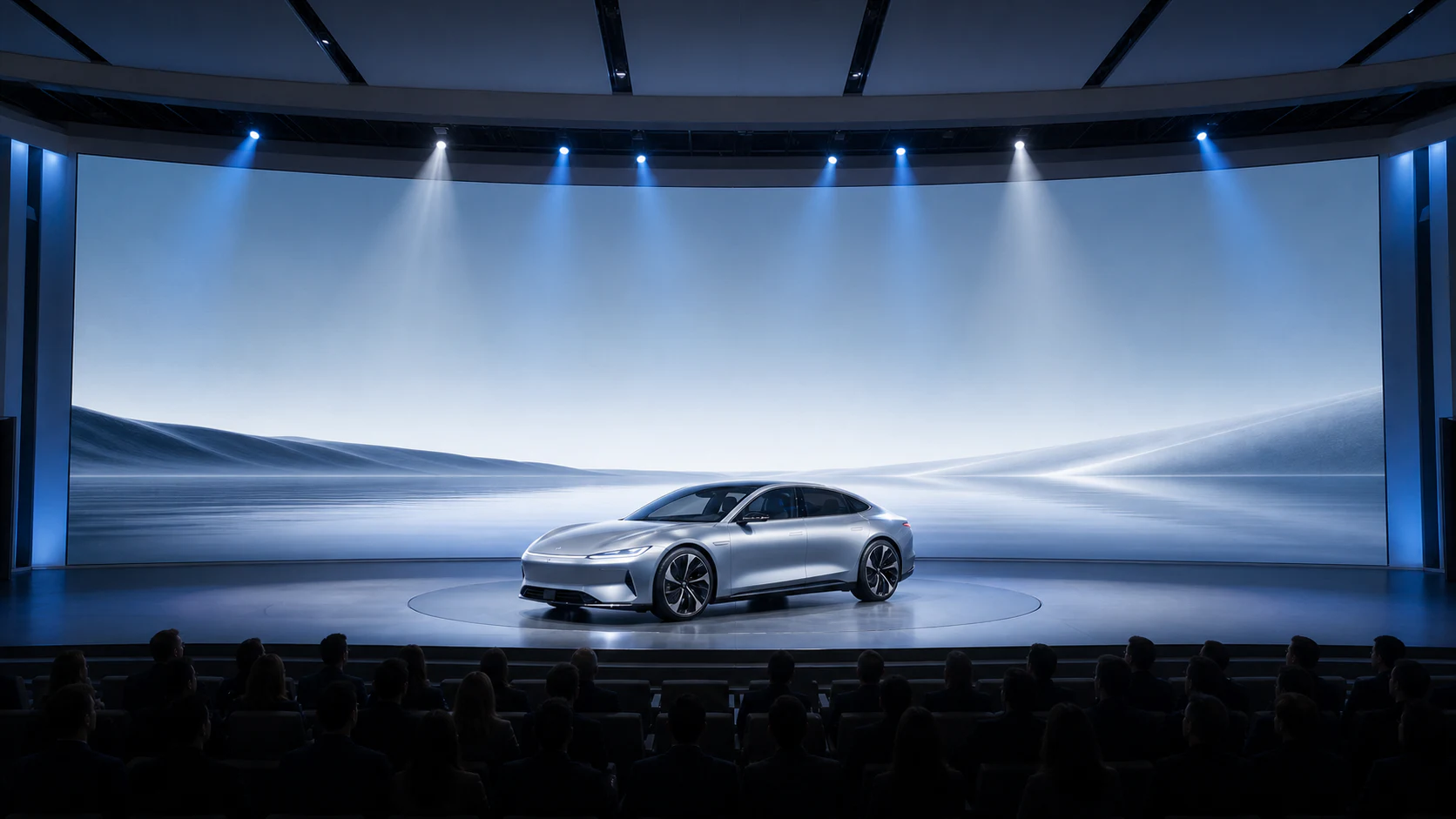
When the creative has a clear beginning and end, you can upload the first and last frames respectively, allowing the model to generate continuous motion and visual transitions in the middle.
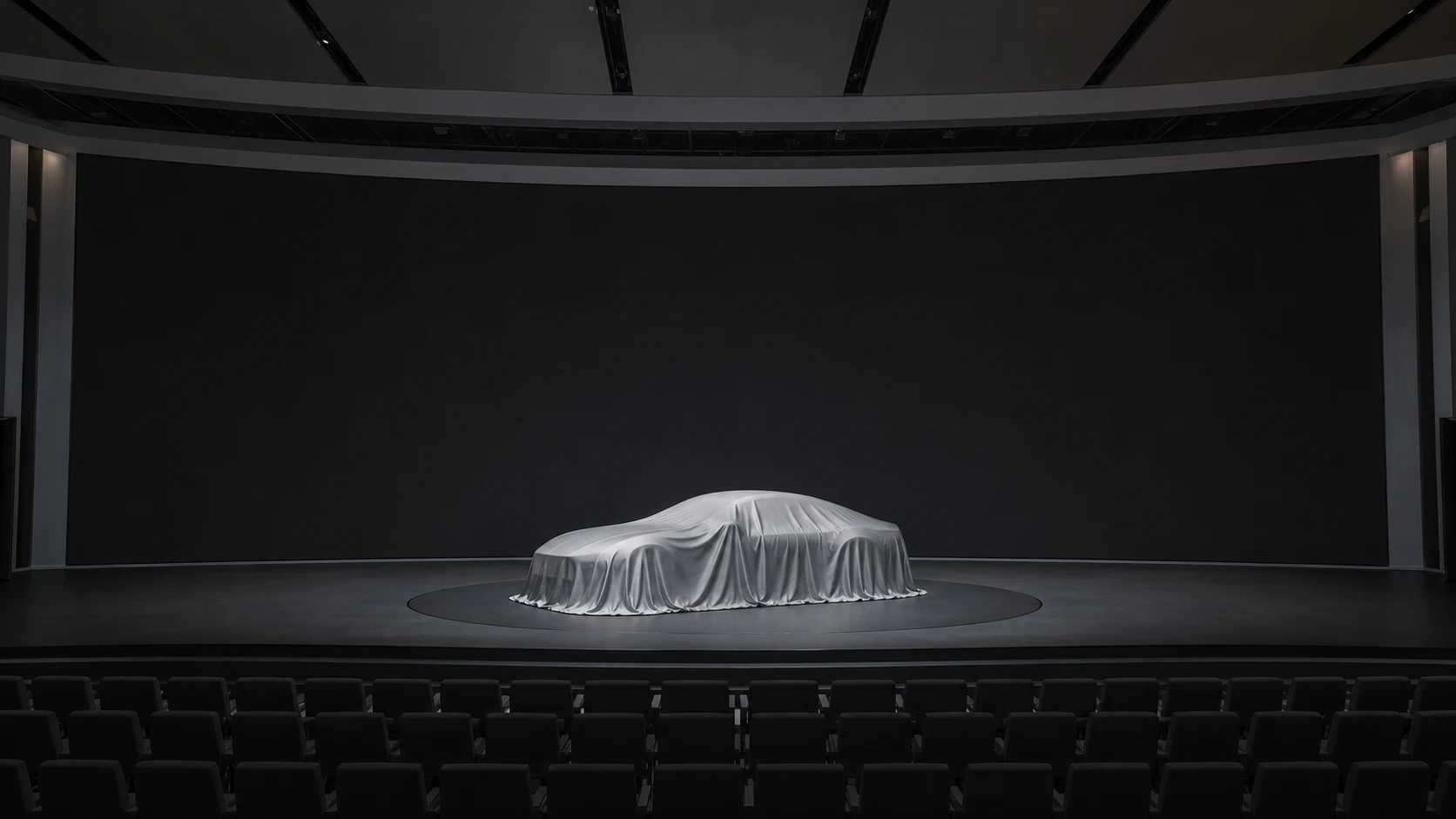
The model generates continuous motion in the middle around the two ends of the screen
From demand to download, every step has clear results.
Put creative methods, visual materials, lens descriptions, model specifications and generated results into a continuous process to reduce repeated switching and information loss.
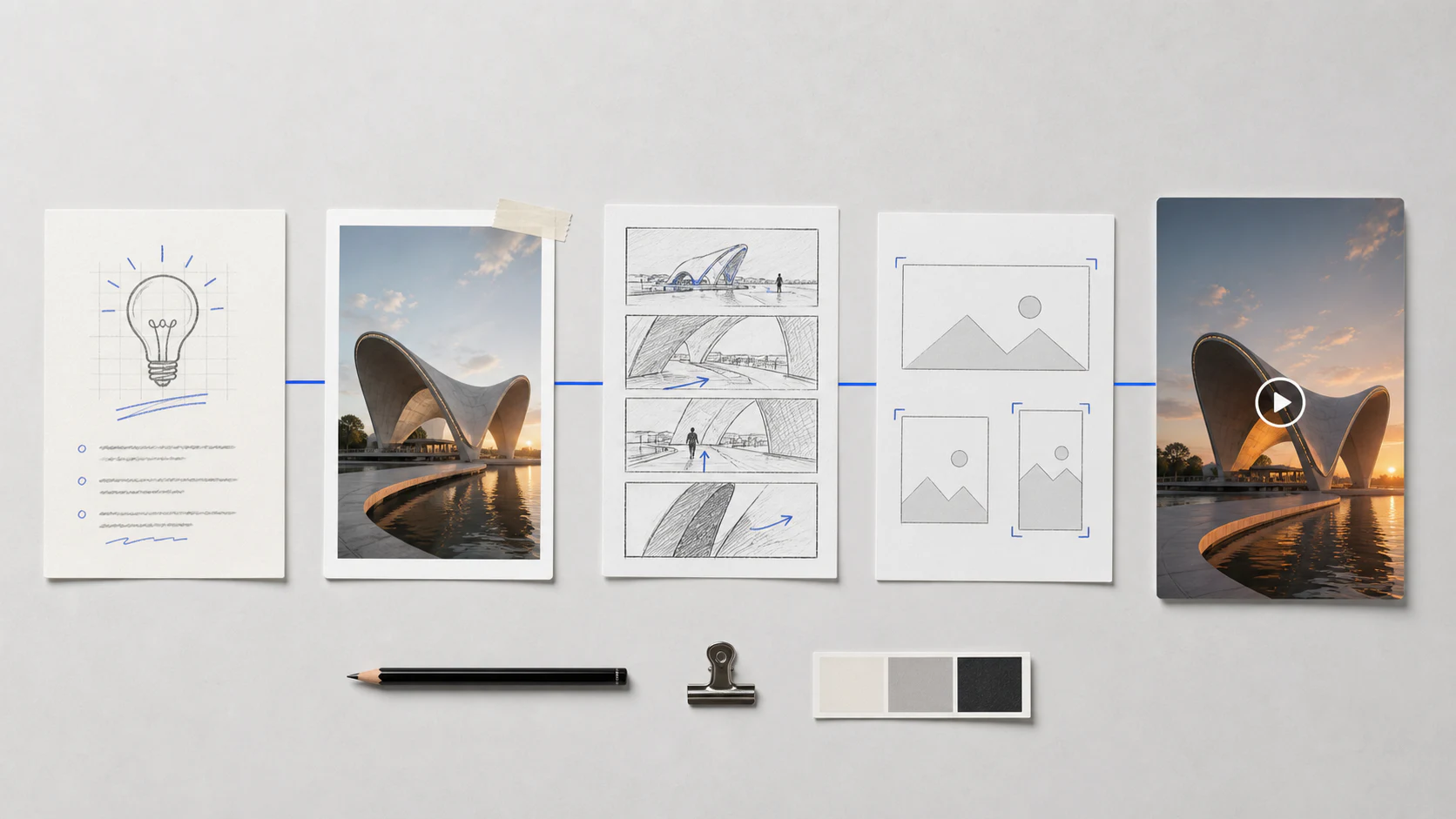
- 01
Choose how to create
Vincent, reference image or first and last frame
- 02
Prepare requirements and materials
Enter a description and upload the authorized image
- 03
Improve lens requirements
Supplementary action, shots, scenes and style
- 04
Select model and specifications
Confirm scale, resolution, duration and sound
- 05
Preview, download and manage
View status and save final results
Real works, showing different commercial video directions
The following content uses compiled materials actually generated by DPXX Video, showing the frame, duration and content direction; public use is still subject to the final authorization confirmation.
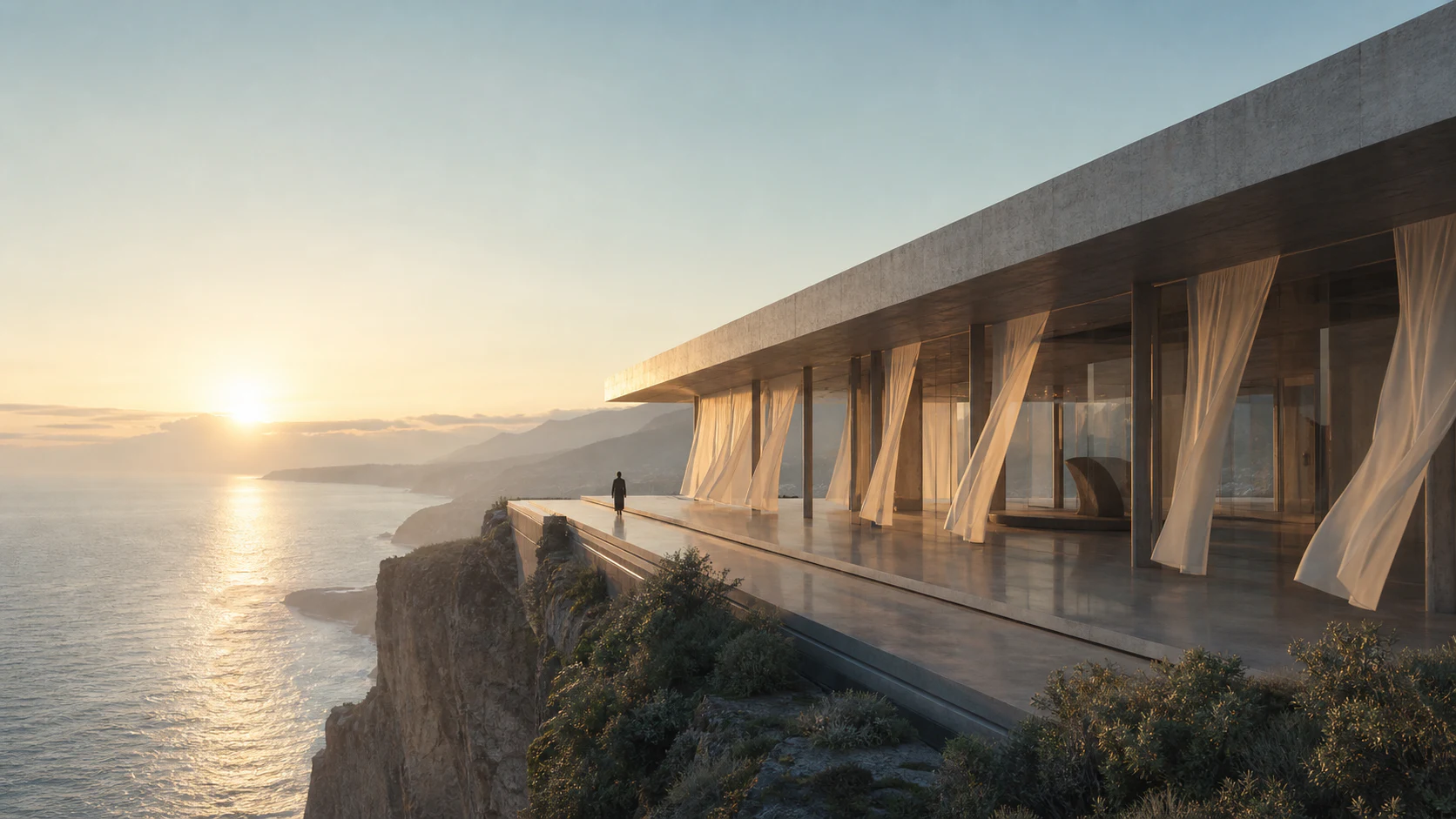
Urban architecture and brand narrative
Vincent Video · 16:9 · 10 seconds
New product release dynamic opening
Reference Tusheng video · 16:9 · 10 seconds
Vertical screen content brings products and scenes into mobile viewing
Vertical shots are organized around urban life, product texture and spatial narrative, allowing the content to naturally adapt to short videos, social media and mobile communication.
City terrace changes day and night
First and last frames · 9:16 · 8 seconds
Perfume product texture
Reference Tusheng video · 9:16 · 10 seconds
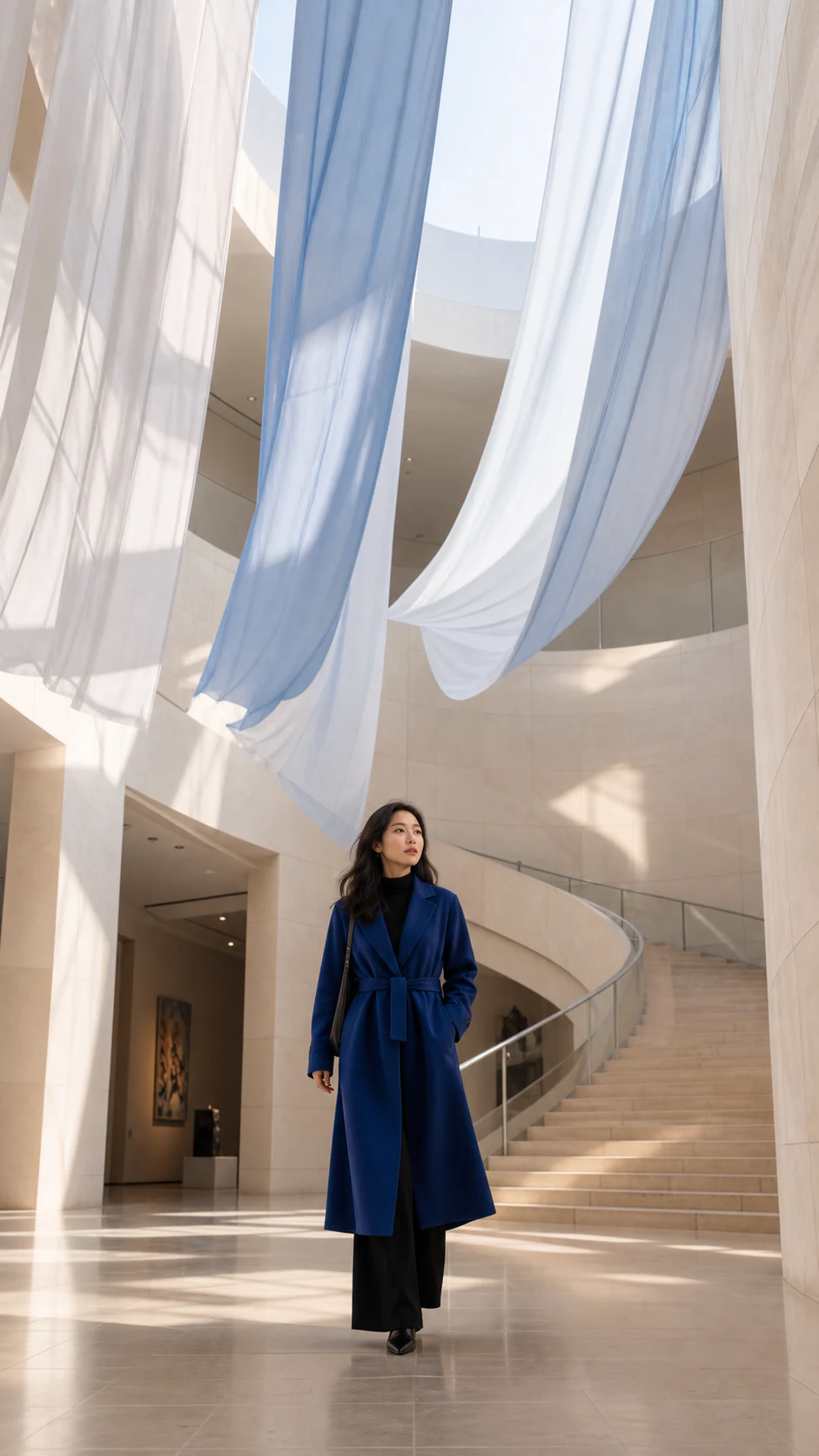
exhibition space story
Vincent Video · 9:16 · 10 seconds
The same frame can also form different content rhythms
From serialized fashion expressions to smart home functional displays, vertical screen works can retain different movements, rhythms and lens languages within unified specifications.
Windbreaker studio shoot series A
Reference Tusheng video · 9:16 · 10 seconds
Windbreaker studio shoot series B
Reference Tusheng video · 9:16 · 8 seconds
Smart storage side table
Vincent Video · 9:16 · 10 seconds
Choose appropriate models and video specifications for different channels
Different models may support different generation methods, screen ratios, resolutions, durations, sounds, and the number of reference images. DPXX Video dynamically provides available combinations based on actual open capabilities.
- Creation method
- Text, reference images, first and last frames
- screen orientation
- Horizontal, vertical and currently available ratios
- Output specifications
- Resolution and duration are provided dynamically with the model
- Sound mode
- Silent, vocal, or model native sounds
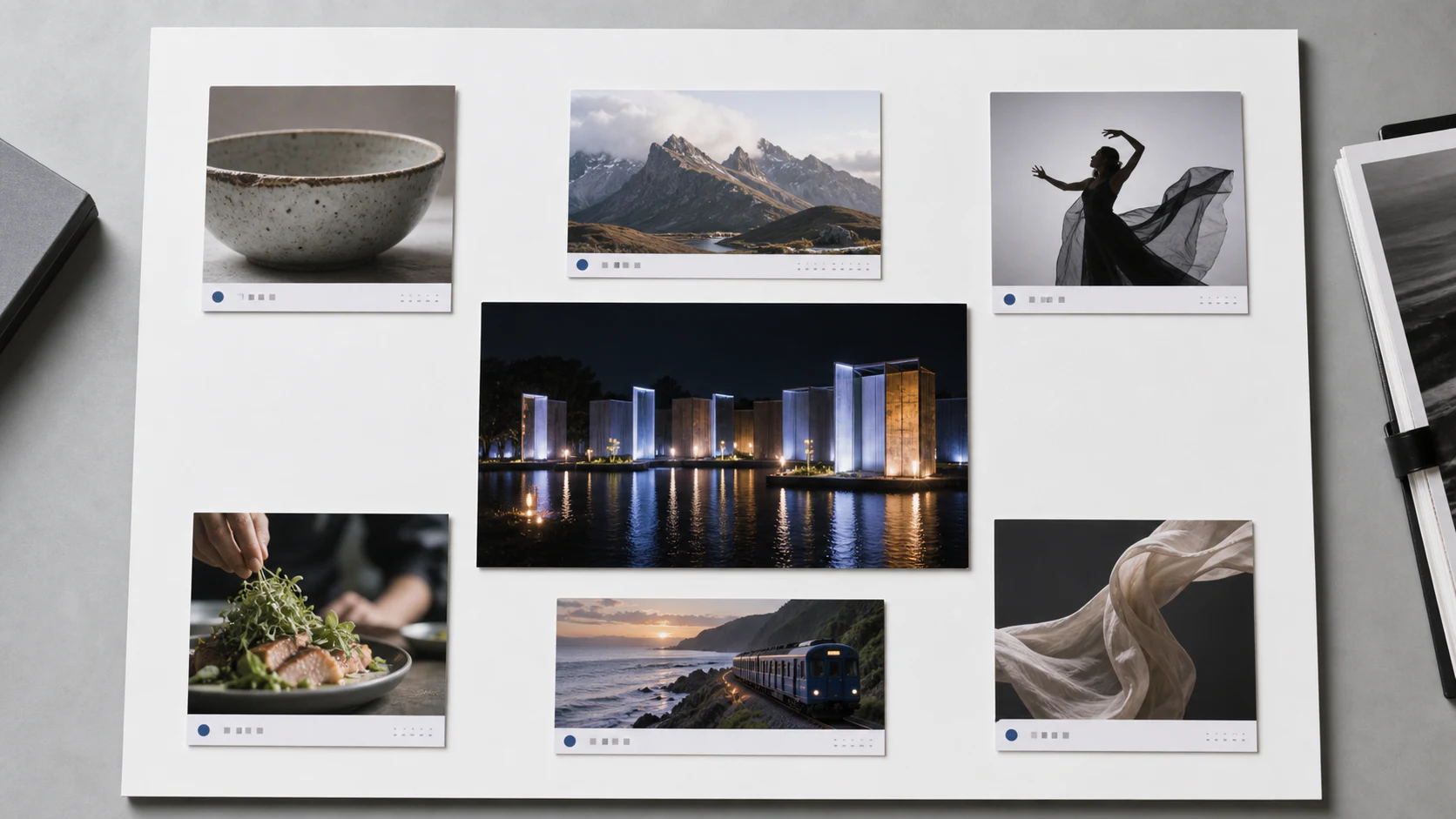
Let every generation become the starting point for the next creation
The prompts, generation method, model specifications, task status and final results are retained around the video task for easy review, preview and download.
- View ongoing and completed tasks
- Review prompts and generation parameters
- Preview and download final video
- Failed tasks display clear status
- The capabilities of the work are subject to the current open scope of the product.
We make it clearer about models, materials and usage scope
Models, specifications and points are actually configured by the product; material authorization, commercial use and content security follow the formal rules of the platform.
01What video creation methods are currently supported?+
The current page covers Vincent videos, reference image videos and first and last frame videos. The actual optional methods will be updated with the opened models and product configurations.
02What scales, resolutions and durations are supported by different models?+
The proportions, resolutions, durations and sound combinations of different models are not exactly the same. The specific available specifications are subject to the current product UI of DPXX Video.
03How do reference images affect video?+
Reference images provide a starting point for subject, composition, texture, light, or visual atmosphere; cue words continue to illustrate action and camera movement. The results are generated with reference to the input, but absolute locking is not guaranteed.
04What types of shots are suitable for the first and last frames?+
Suitable for shots with clear start and end states such as day and night changes, stage lighting, product status changes, space transitions, etc.
05Does the generated video contain sound?+
Sound capabilities depend on the model selected. Depending on the current model, the product displays the available options of silent, voiced, or model-native sounds.
06How to deal with points after mission failure?+
Task status, point deduction and return are handled according to the official rules of the platform, and the specific records are subject to the task and point details in the product.
07How long are video recordings and productions kept?+
The storage range and time are subject to the current rules of the product. For results that require long-term use, it is recommended to download them promptly after completion and archive them in the team asset library.
08Can the generated results be used in commercial projects?+
It can be used for personal and commercial creations that comply with the platform's rules, but you still need to confirm the rights and industry compliance requirements for input materials, portraits, brand elements, music and final content.
09What authorizations are required to upload character, brand and client material?+
Before uploading, you should confirm that you have the corresponding rights to use, especially portraits, trademarks, customer information, undisclosed products and third-party copyright materials.
10How does the platform deal with non-compliant content?+
The platform conducts review and processing according to formal content security rules; tasks judged to be non-compliant may not be generated or may be restricted for use.
The generated results can be used for compliant personal and commercial creations. Please confirm the authorization of the input material before use, and complete the necessary rights, facts and industry compliance review of the final content.
The specific models, specifications, points and available range are subject to the actual product UI and the official platform rules.
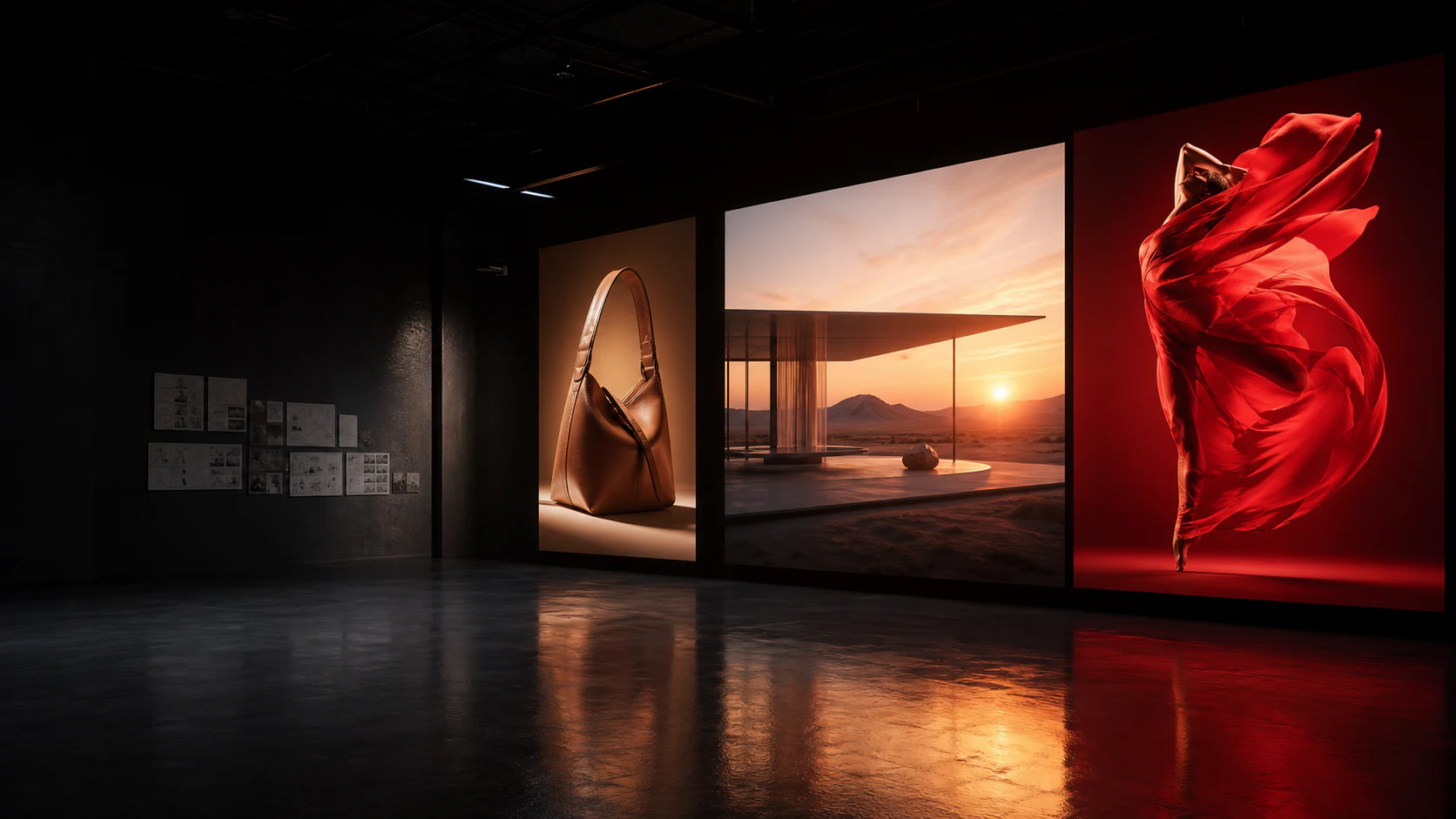
Start with one shot and generate the next commercial content
Enter a creative description or upload a prepared reference image to complete the generation, preview and download in DPXX Video.