

DPXX Chat
Let every conversation meet a character who understands you better
Between the questions and the answers, let your thinking slowly become clearer.
Not just answer a question, but continue to complete a task
From task understanding and data sorting to content modification and results organization, DPXX Chat allows a conversation to continue to advance around a clear goal, and ultimately form office results that can continue to be edited and used.
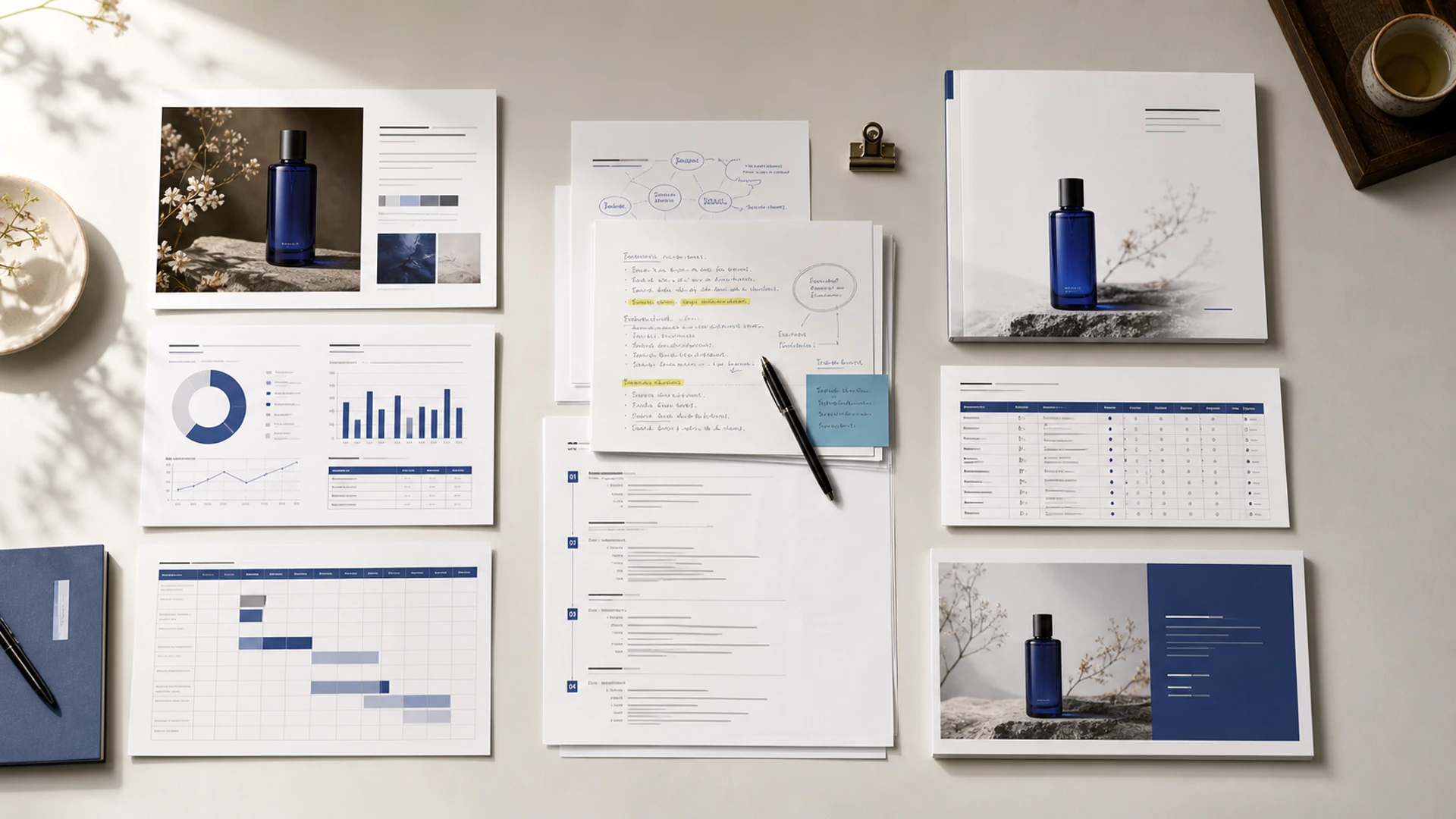
- 01
Clarify the starting point of the task
Put goals, users, existing data, and delivery requirements into the same job.
- 02
Keep processing continuous
Continue to add conditions, modify the structure, and confirm expression around the content that has been formed.
- 03
Form office results
Organize confirmed content into documents, forms, presentations, and other usable files.
Start with a question, a set of information, or an ongoing task
Depending on the level of readiness for the work, ask directly, add current material, or continue to advance the topic that has been established.
First clarify the vague requirements
Suggest goals, objects, purposes, and constraints, and let the assistant help supplement ideas and structure the content.
Suitable for: planning, judgment, writing and draftingWork around current evidence
Add documents, tables, PDFs, or images to extract information from existing sources, compare content, and form judgments.
Suitable for: data analysis, summary, plan preparationContinuous improvement based on the previous version
Return to the original topic to add conditions, modify content, and transform the result form without having to re-explain the entire task.
Suitable for: multiple rounds of revisions, long-term tasks, and achievement iterationFrom demand to delivery, keep every step continuous
Organize requirements, data, modification opinions and results around the same task to reduce repeated explanations and cross-tool organization.
- 01
Clear goals
Explain tasks, objects and delivery requirements
- 02
Add basis
Organize information needed for current tasks
- 03
Develop first draft
Extract information and structure content
- 04
Review adjustments
Supplementary conditions and continued convergence of results
- 05
Organize results
Create office files that can continue to be used
Task examplePrepare a launch plan for a new skin care product and formulate strategy documents, content scheduling and reporting presentations.
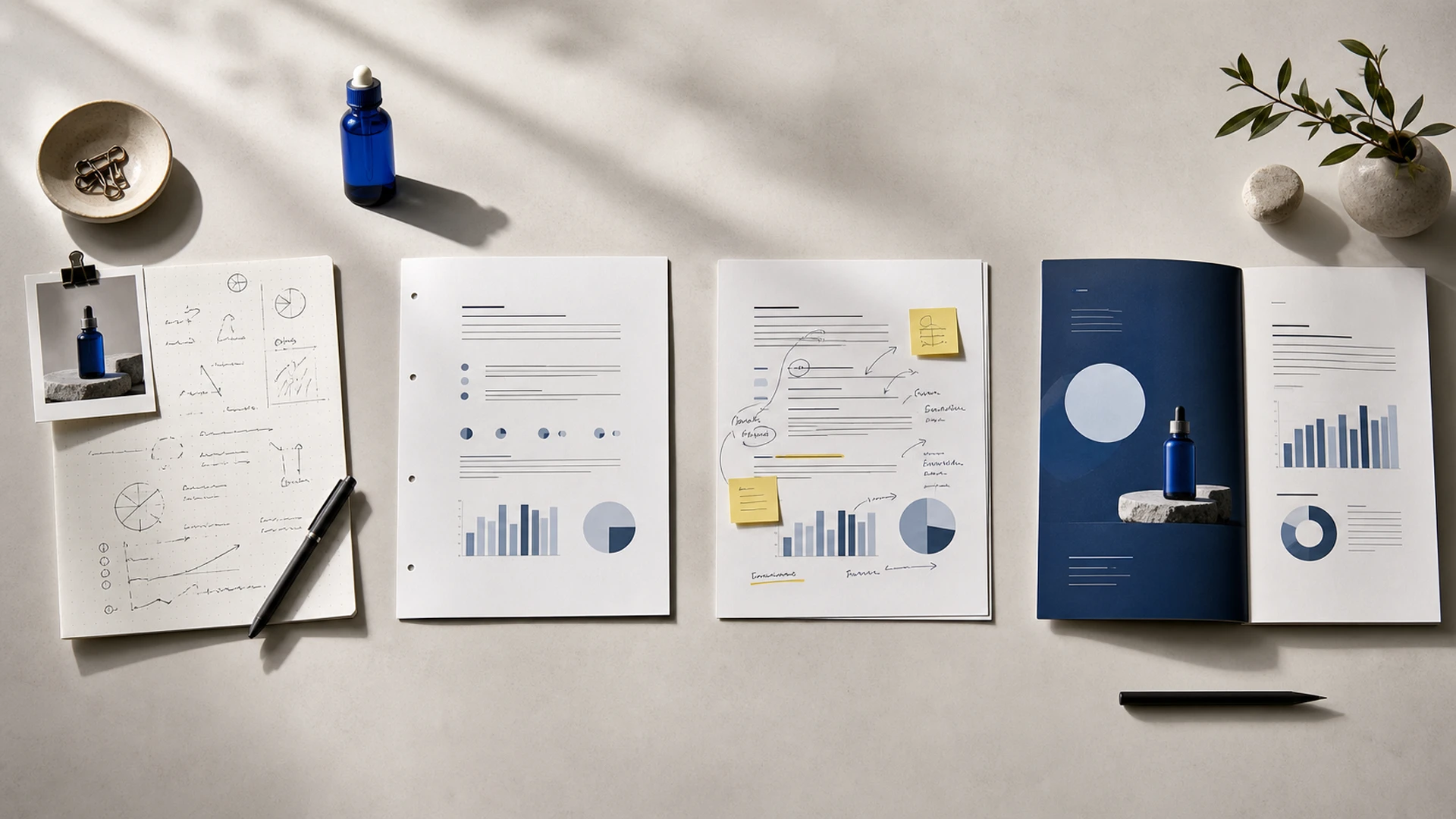
The same goal, multiple rounds of adjustments, continue to approach usable results
Choose what has already been formed as your current starting point and continue to advance by adding conditions, adjusting structure, and modifying expressions without having to reinterpret the entire task each time.
- 01Add missing information
- 02Adjust content structure
- 03Modify expression
- 04Conversion result format
Let the current task have a clear data scope
Documents, tables, PDFs, and images can be added to the current topic to serve as the basis for this task. The material is organized around current topics and does not describe it as a cross-project, cross-member enterprise knowledge base.
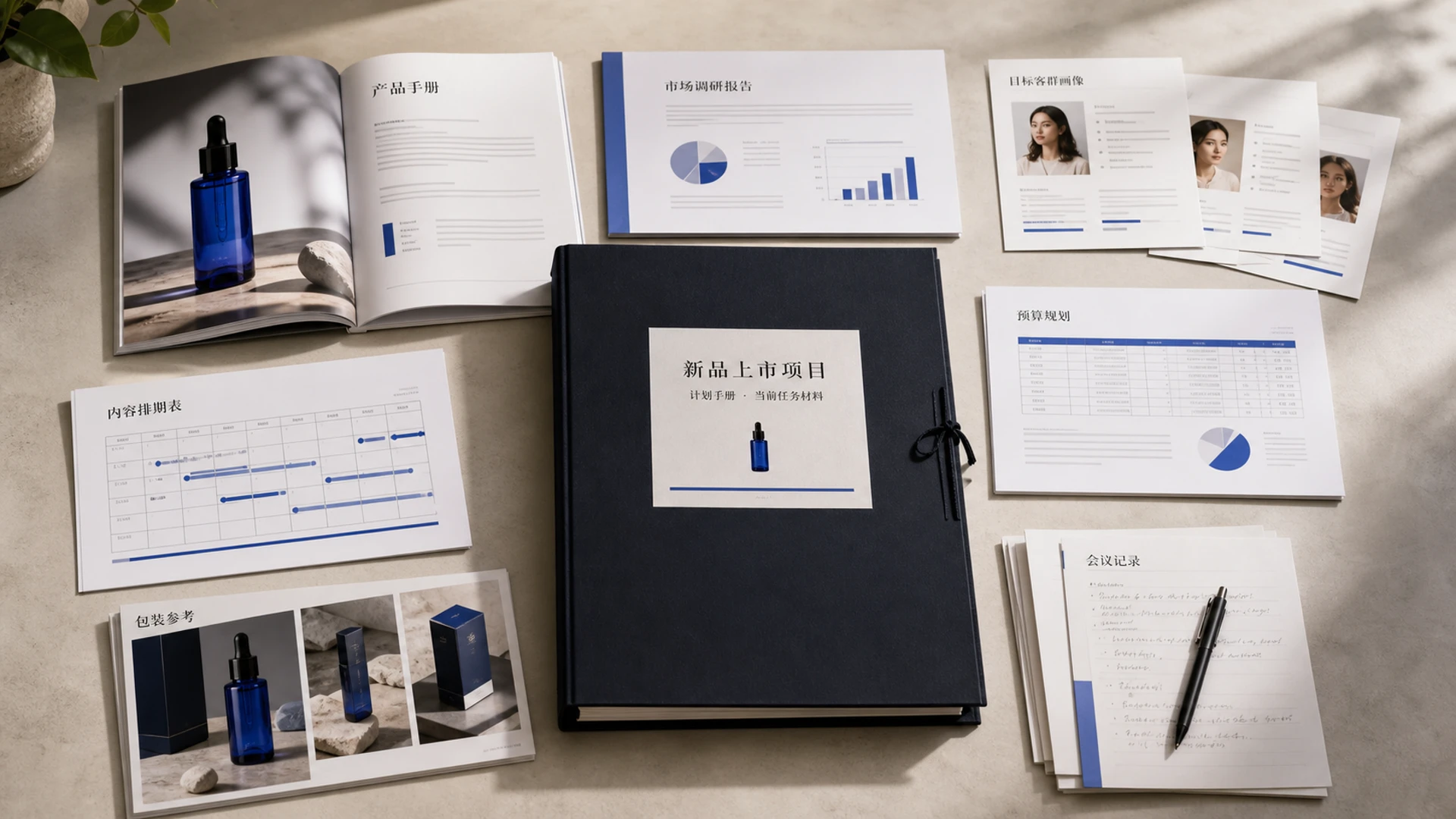
Let the conversation results continue into the real office process
Confirmed content can continue to be organized into Word, Excel, PowerPoint, HTML, Markdown or text results for subsequent editing, communication and delivery.

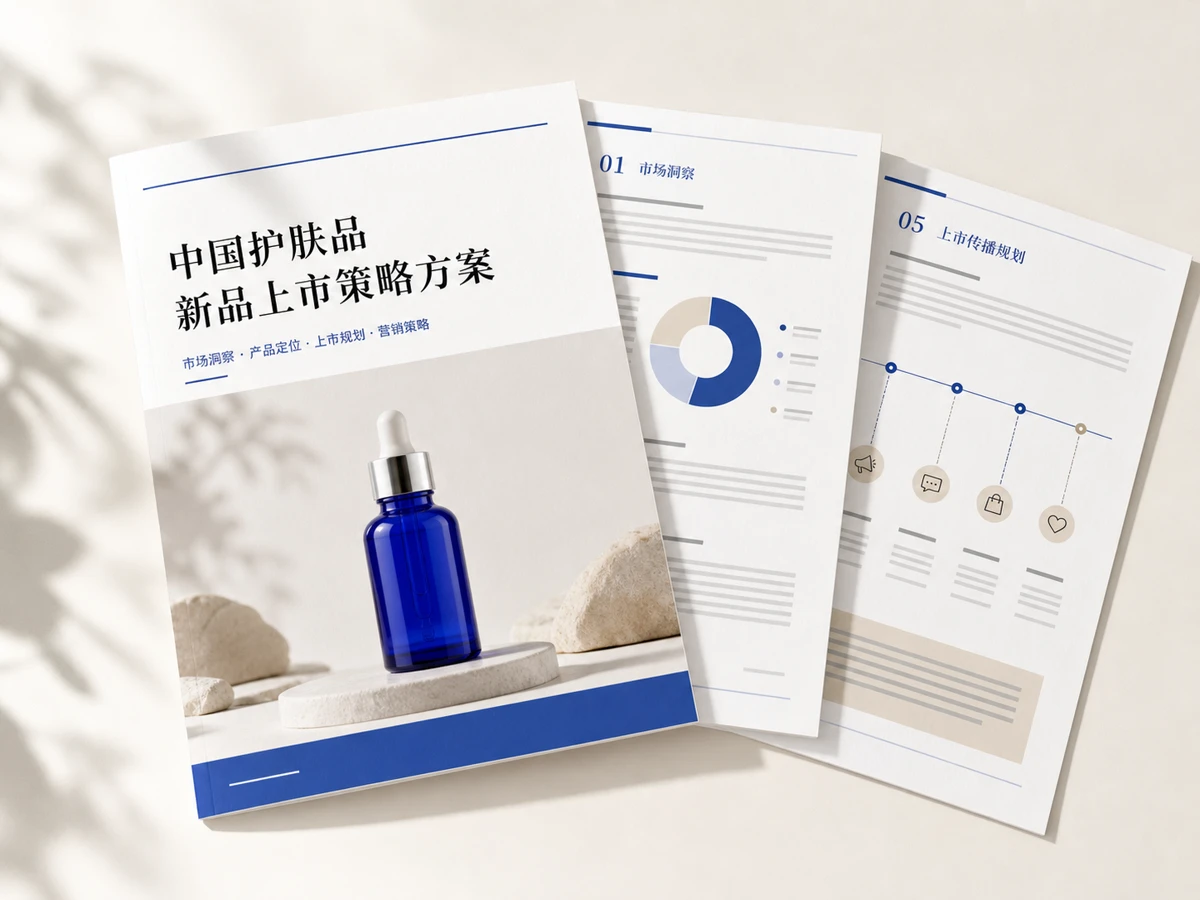
New product launch strategy plan
Completely carries market judgment, product positioning, communication strategies and implementation suggestions.
Results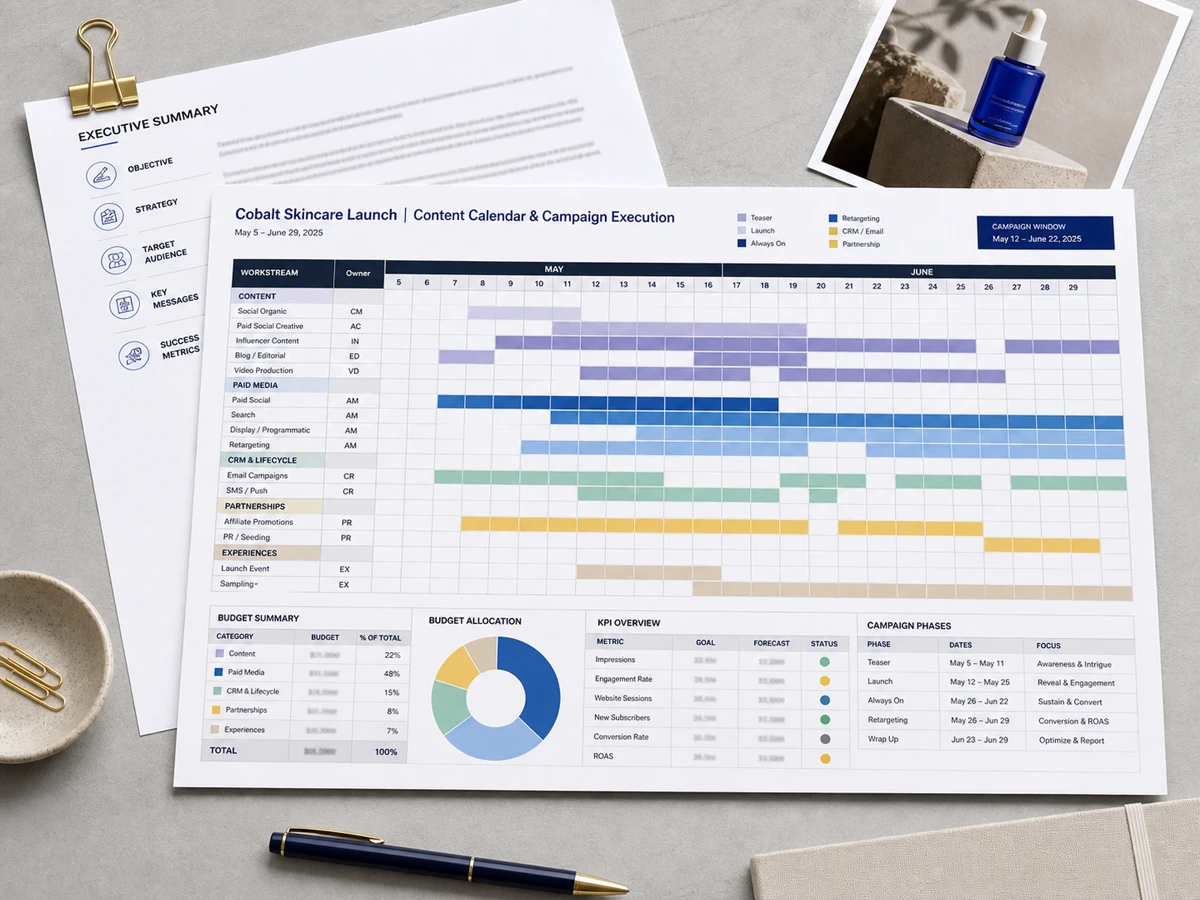
Content Calendar and Event Scheduling
Organize channels, content, budget, time and execution status into structured tables.
Results
Project proposal and report presentation
Organize the confirmed conclusions into a presentation structure suitable for communication and reporting.
ResultsFor content and office tasks that need to be continuously promoted
When a piece of work requires evidence, multiple rounds of revisions, and clear delivery, ongoing topics are better suited to carry the entire process than one-off Q&A.

Brand and marketing planning
Starting from product information and target groups, form positioning, communication direction, content rhythm and execution plan.
Information → Strategy → Plan · Scenario illustration
Data analysis and business summary
Refine key points around reports and data, compare changes, and organize management conclusions that can be reviewed.
Report → Analysis → Summary · Scenario illustration
Content planning and production
Facilitate topic selection, scripts, content calendars, and multiple rounds of reviews within the same assignment.
Brand Materials → Content Structure → Execution Plan · Scenario illustration
Plan and report preparation
Organize project records and existing conclusions to form clearly structured plans, summaries and reporting materials.
Project Record → Conclusion → Report · Scenario illustrationChoose the right assistants and abilities for different tasks
Get started quickly with professional assistants, or create custom assistants based on fixed responsibilities and work requirements; then select the corresponding model according to task needs.
Marketing planning
Establish strategy and communications structure around product and marketing materials
data analysis
Extract information and form judgments from documents and tables
content planning
Promote topic selection, script, revision and release arrangements
Reporting Assistant
Organize existing content into solutions and presentation structures

Let the completed work become the starting point for the next task
Keep the work process and content results around the topic, making it easy to view past tasks, continue to adjust existing content, or export related topics for storage.
- 01
Keep task basis
Keep the material used in the current topic relevant to the task objectives.
- 02
Keep the adjustment process
Review what has been developed and continue working from the available version.
- 03
Keep the final result
View related files in one place and export or reuse as needed.
We make it clearer about data, models and scope of use
Different models, file processing capabilities and available tools are configured in real time by the platform. The following information is based on the current product UI and official rules.
01How can I use Assistant currently?+
You can select a job role that fits the task from a library of assistants, or you can create a custom assistant and set descriptions, job requirements, and default models. The specific assistants and classifications are subject to the current product UI.
02What files are supported for uploading?+
TXT, Markdown, CSV, PDF, DOCX, XLSX and common images are currently included. The size, quantity and specific analysis capabilities of a single file are subject to the product's real-time prompts.
03What is the difference between current topic materials and knowledge base?+
The current topic data only serves the task being processed, and is used to organize reference documents and generate results; it does not represent an enterprise-level knowledge base, nor does it imply automatic retrieval across topics.
04Do all models support images and networking?+
no. The model panel will display the currently available capabilities; networking is only used when the selected model supports it and the user actively turns it on. The actual capabilities are subject to the platform configuration.
05What happens when the conversation is longer?+
The workspace displays current context usage and organizes older content when needed. The page does not promise to fix the context number, and the specific status is subject to the product UI.
06What office documents can be generated?+
When supported by current product capabilities, Word, Excel, PowerPoint, HTML, Markdown, and text results can be organized and continued to be viewed and managed in topics.
07How long will documents and historical topics be retained?+
The retention period and deletion rules are subject to the official rules of the DPXX AI platform and real-time product prompts; this page does not make additional commitments beyond the current rules.
08Can generated content be used in commercial projects?+
Please confirm the authorization of the input material before use, and complete the necessary rights, facts and industry compliance review of the final content. The specific scope of use shall be subject to the official terms of the platform.
Generate content for compliant personal and commercial creation. Please confirm the authorization of the input material before use, and complete the necessary rights, facts and industry compliance review of the final content.

Start with a real task and form the next office result
Put forward a clear goal, add relevant information, and complete sorting, adjustment and results organization in DPXX Chat.